
Angular Bootstrap Toggle
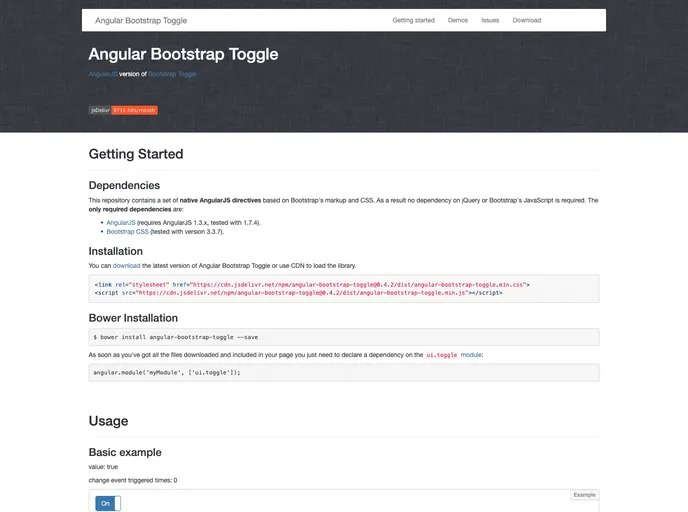

AngularJS version of Bootstrap Toggle
Overview
The Angular Bootstrap Toggle is an intuitive directive designed for AngularJS applications, allowing developers to integrate Bootstrap-styled toggle switches easily. This directive bridges the functionality of toggles with the aesthetics of Bootstrap, providing a seamless user experience. It simplifies the implementation process while maintaining modern coding standards by requiring minimal dependencies and supporting various browsers.
Whether you're updating an existing interface or starting a new project, the Angular Bootstrap Toggle can enhance the interactivity of your applications. Built primarily for Angular 1.3 and above, it retains a clean and efficient structure, catering to both novice and seasoned developers looking to streamline their UI components.
Features
- Minimal Dependencies: Requires only AngularJS and Twitter Bootstrap's CSS, making installation straightforward.
- Browser Compatibility: Tested across multiple browsers including Chrome, Firefox, IE9, IE10, Opera, and Safari.
- Easy Installation: Can be added easily via Bower, Browersify, or Webpack, ensuring quick setup for projects.
- User-friendly Interface: Provides a visually appealing toggle switch consistent with Bootstrap’s design, enhancing user engagement.
- Active Community Support: Beneficial resources and forums for help, such as Gitter and StackOverflow, ensuring developers can get assistance when needed.
- Open for Contributions: The project encourages community contributions, welcoming developers to enhance the directive further.
- Angular
Angular is a TypeScript-based open-source framework by Google for building dynamic single-page applications and cross-platform mobile apps with MVC architecture and a rich set of features.
- Gulp

Gulp.js is an old but popular site building tool that automates various repetitive development tasks in web development, such as compiling Sass, minifying JavaScript, and optimizing images.