
Zeva
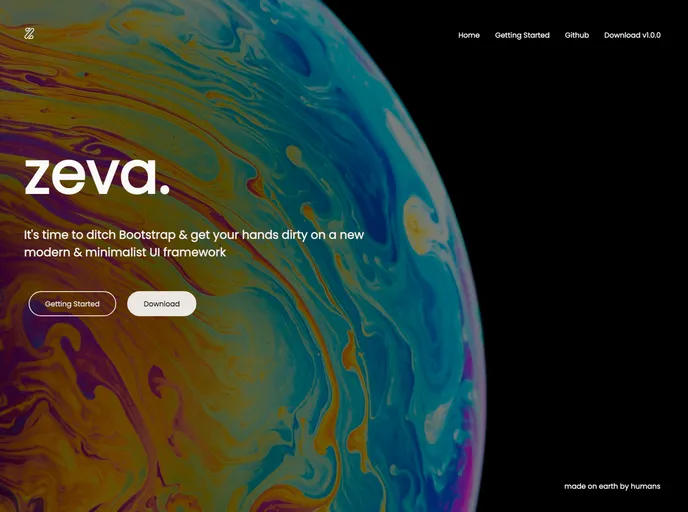

a modern and minimalist ui framework for building responsive and modern frontends
Overview
Zeva is a modern and minimalist framework for building responsive and modern frontends. It offers various ways to use it in a project, such as downloading the zip file, cloning it from Git, or using a CDN. The framework provides customization options through theming and includes components like buttons, tables, forms, and more.
Features
- Theming: Customize the overall look of your project with Zeva's theming feature.
- Responsive: Zeva ensures proper rendering and touch zooming for all devices.
- CDN Usage: Include the Zeva stylesheet link inside the
<head>tag for easy usage. - Zip Usage: Unzip the downloaded file and import the required CSS or Sass files.
- Styling: Zeva offers typography styling with the Poppins font family and various helper classes.
- Components: Zeva provides components like buttons, tables, forms, and more to enhance frontend development.
- Bug and Feature Requests: Zeva encourages users to report bugs and suggest new features through their issue tracker.
- Contribution: The framework welcomes developers to contribute to its development by following the guidelines.
CDN Usage:
- Include the following stylesheet link inside the
<head>tag of your HTML file:
<link rel="stylesheet" href="link-to-zeva-css">
Note: Replace "link-to-zeva-css" with the actual CDN link provided.
Zip Usage: CSS files
- Unzip the downloaded file to your preferred location.
- Navigate to the
dist/css/directory. - Import or copy either the regular or minified CSS file to your project.
Zip Usage: Sass files
- Unzip the downloaded file to your preferred location.
- Navigate to the
src/scss/directory. - Import the
./abstracts/variables/variablesfile at the top of your main Sass file.@import './abstracts/variables/variables'; - You can now import any required
.scssfile from Zeva.
Zip Usage: JS file
- Unzip the downloaded file to your preferred location.
- Navigate to the
dist/js/directory. - Import or copy the minified JavaScript file to your project.
Summary
Zeva is a modern and minimalist framework that provides developers with an easy way to build responsive and modern frontends. With features like theming, responsive design, and a variety of pre-built components, it allows for quick and efficient frontend development. The framework can be easily installed via CDN or by downloading and importing the necessary files. Zeva also encourages user contributions and provides a platform for bug reporting and feature requests.
- SCSS
SCSS is a preprocessor scripting language that extends the capabilities of CSS by adding features such as variables, nesting, and mixins. It allows developers to write more efficient and maintainable CSS code, and helps to streamline the development process by reducing repetition and increasing reusability.
- UI Kits & Components

A UI kit provides developers with a set of reusable components that can be easily integrated into a website or application. These components are pre-designed with consistent styling and functionality, allowing developers to save time and effort in the design and development process. UI kits can be either custom-built or third-party, and often include components for buttons, forms, typography, icons, and more.
- Gulp

Gulp.js is an old but popular site building tool that automates various repetitive development tasks in web development, such as compiling Sass, minifying JavaScript, and optimizing images.