
Docsify Guide
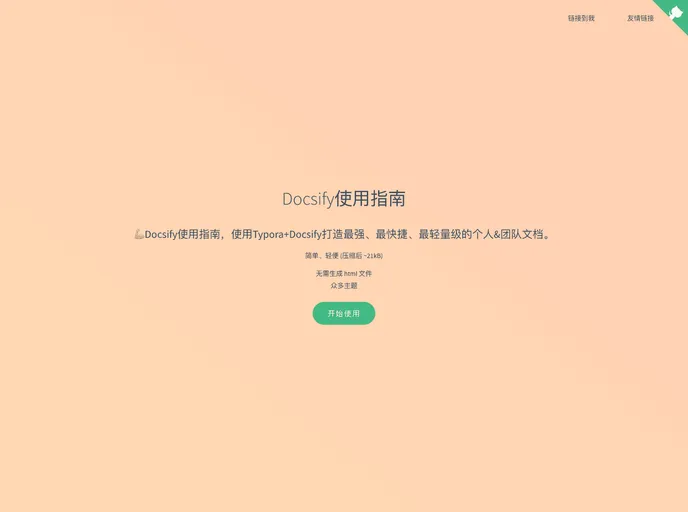

【开箱即用】Docsify使用指南,使用Typora+Docsify打造最强、最快捷、最轻量级的个人&团队文档。
Overview
Docsify is a lightweight open-source documentation tool that allows individuals and teams to create and manage their documentation with ease. By leveraging the simplicity of Markdown, Docsify facilitates the process of writing documents in a way that feels natural, much like blogging. With a range of deployment options and quick setup instructions, it's perfect for both personal use and collaborative projects.
Using Docsify in combination with Typora enhances the writing experience, allowing for a powerful yet streamlined method of documentation creation. Whether you're working on a small project or a large team documentation effort, Docsify equips you with the tools needed to stay organized and efficient.
Features
- Lightweight: Docsify is designed to be minimalistic, ensuring speed and efficiency without unnecessary bloat.
- Markdown Support: Utilize Markdown syntax to format your documents smoothly, making it easy for anyone familiar with basic writing formats.
- Multiple Deployment Options: Offers flexibility in deployment with options such as GitHub Pages, Docker, Firebase, and more for versatile hosting solutions.
- Quick Setup: Get started in just 30 minutes with straightforward guides and tutorials available for easy installation and configuration.
- Real-time Preview: See changes in real-time while editing documents, making it easier to catch and fix issues on the fly.
- Customization: Highly customizable themes and plugins to enhance the functionality and appearance of your documentation site according to your needs.
- Collaborative Features: Ideal for team projects, allowing multiple users to contribute and manage documents efficiently.
- Docsify
Docsify generates your documentation website on the fly. Unlike GitBook, it does not generate static html files. Instead, it smartly loads and parses your Markdown files and displays them as a website. To start using it, all you need to do is create an index.html and deploy it on GitHub Pages.
- Documentation

Documentation themes are built specifically for writing technical and product documentation. They are normally written and maintained in Markdown. The often include a navigation menu, search bar, clear headings, semantic document structure and clean typography.