
X Cmd
x-cmd: Bootstrap 1000+ command line tools in seconds.
Overview:
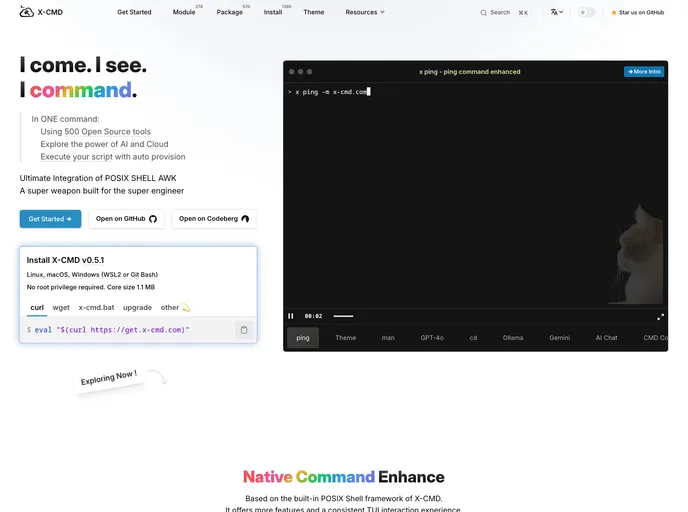
The X man theme is a versatile tool that enhances the user experience in posix-compatible shells like ash, bash, dash, and zsh by providing quick path navigation, themed beautification, interactive CLI tools, and efficient module installation. It supports one-click execution of hosted scripts, installation of programming language runtimes, and interactive tools like gh for GitHub and gt for Gitee. With a lightweight package size and fast loading times, X man offers over 210 modules, 520 packages, and 1200 installation recipes.
Features:
- Preview Enhancement: Enhance previews based on fzfman and jq/x yq for quick testing of JQ expressions.
- One-Click Execution: Supports one-click execution of hosted scripts in various posix-compatible shells.
- Programming Language Runtimes: Allows installation of programming language runtimes for seamless script execution.
- Theme Compatibility: Compatible with a variety of Bosix Scheer themes for shell beautification.
- Interactive CLI Tools: Provides interactive tools like gh for GitHub and gt for Gitee.
- Lightweight and Fast: Full-featured module installation package is under 1.1MB with shell loading times of under 100ms.
- Module and Package Variety: Includes over 210 modules, 520 packages, and 1200 installation recipes.
Summary:
The X man theme is a comprehensive tool for enhancing the user experience in posix-compatible shells. With its support for one-click script execution, programming language runtimes, interactive CLI tools, and lightweight package size, X man offers a wide range of features aimed at improving shell functionality and efficiency. Whether you are a beginner or an advanced user, X man provides a seamless experience with its themed beautification and quick navigation features.