
Docs
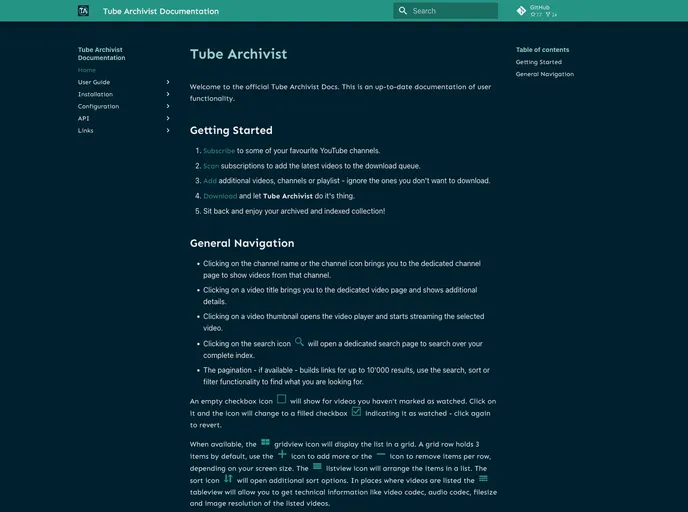

All Tube Archivist Project Documentation
Overview
Tube Archivist presents an innovative solution for those looking to create their own self-hosted YouTube media server. This platform not only allows users to archive their favorite videos but also provides a seamless way to manage and serve media content. The documentation offers extensive guidance on setting up and managing Tube Archivist, making it accessible even to those who may not be tech-savvy.
With an easy-to-follow setup process and an active community, Tube Archivist empowers users to take control of their video libraries. Whether for personal enjoyment or as part of a larger media strategy, this tool is designed to enhance your video experience while ensuring your content is readily available without reliance on third-party platforms.
Features
- Self-Hosted Solution: Tube Archivist allows you to host your own media server, giving you complete control over your content and data privacy.
- User-Friendly Documentation: Comprehensive guides and user manuals make it easier for users to set up and navigate the system efficiently.
- Local Development Server: Easy setup for a local environment with live reload capabilities for testing and adjustments in real-time.
- Docker Support: Simplifies deployment and scaling of your media server with built-in Docker image support, making it suitable for various production environments.
- Active Community: Join the vibrant Tube Archivist community on Discord to discuss features, share tips, and get support from fellow users.
- Continuous Improvements: The platform encourages contributions to enhance its functionalities, allowing users to directly impact the evolution of the software.
- Cross-Platform Compatibility: Designed to work on various operating systems, ensuring flexibility regardless of your environment.
- MkDocs
MkDocs is a fast, simple and downright gorgeous static site generator that's geared towards building project documentation. Documentation source files are written in Markdown, and configured with a single YAML configuration file.
- Documentation

Documentation themes are built specifically for writing technical and product documentation. They are normally written and maintained in Markdown. The often include a navigation menu, search bar, clear headings, semantic document structure and clean typography.