
Guide
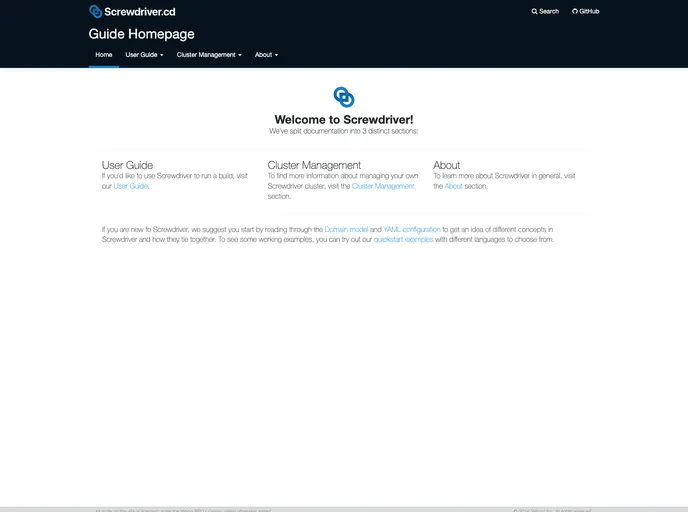

Screwdriver.cd Documentation
Overview:
Screwdriver is a self-contained, pluggable service designed to assist in building, testing, and continuously delivering software using the latest containerization technologies. It provides a guide powered by Jekyll for users to understand and contribute to the Screwdriver CD service.
Features:
- Self-contained Service: Screwdriver offers a self-contained and pluggable service for building, testing, and continuous delivery of software.
- Powered by Jekyll: The guide is powered by Jekyll, allowing for easy access and contribution.
- Support for Latest Technologies: Screwdriver incorporates the use of containerization technologies to streamline software development processes.
- Easy to Install: Users can choose to run Jekyll using Docker or by direct installation, making it accessible to a wide range of developers.
Running Jekyll using Docker:
- Install Docker Desktop if not already installed.
- Ensure Docker is running by checking with
docker info. On Mac, you can launch Docker easily withopen -a /Applications/Docker.app/. - Run the Jekyll Docker image with a mount of
$PWDto its serving location and with-ti. Use the command:docker run -v "$PWD":/srv/jekyll -ti jekyll/jekyll jekyll serve.
Running Jekyll by Installing:
- Make sure you have Ruby, RubyGems, and bundler installed.
- Check if Ruby is installed (version 2.1 or above).
- Install Jekyll using bundler by running:
bundle install. - Run the Jekyll server with the command:
bundle exec jekyll serve.
Viewing Docs Locally:
- Locate the
_config.ymlfile and thedocsfolder for documentation source files. - Preview the documentation locally using the Jekyll built-in webserver. Run:
bundle exec jekyll serve --source docs --destination _site.
Building and Viewing Using Docker:
- From the root directory of the repository, execute the Docker command to build and view the Screwdriver Guide using Docker.
- Once the webserver is running, open
http://127.0.0.1:4000/in a browser to view the guide.
Summary:
Screwdriver is a versatile service that simplifies the process of software development through its self-contained, pluggable nature. By offering an intuitive guide powered by Jekyll, developers can conveniently access resources and contribute effectively. The flexibility to run Jekyll either through Docker or direct installation ensures accessibility for developers with varying preferences.
- MkDocs
MkDocs is a fast, simple and downright gorgeous static site generator that's geared towards building project documentation. Documentation source files are written in Markdown, and configured with a single YAML configuration file.
- Documentation

Documentation themes are built specifically for writing technical and product documentation. They are normally written and maintained in Markdown. The often include a navigation menu, search bar, clear headings, semantic document structure and clean typography.