Lib Client Interface
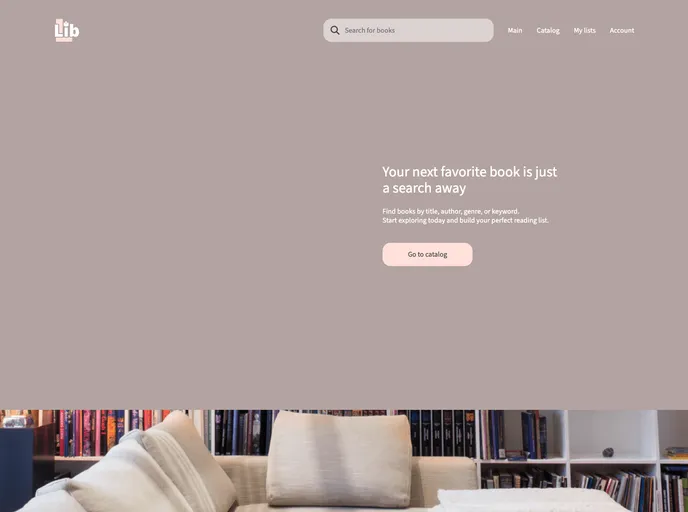
Next.js web application for searching books and creating lists using the Google Books API
Overview
The analyzed content is a guide on how to get started with a web application that implements Next.js library. It provides information on the development process, installation instructions, and guidelines on git commits and branching. The content also mentions the use of atomic file system, linting, type checking, and Figma for design and UI-kit.
Features
- Web Application: Implements Next.js library for web development.
- Atomic File System: Requires each component to be in its own folder along with its styles, tests, and other related files.
- Linting: Provides a command (
npm run lint) to start linting and simple fixing. - Type Checking: Offers a command (
npm run type-check) to look for type errors. - Git Hooks Installation: Provides a command (
npm run install:hooks) to install Git hooks, specifically for Mac and Linux users. - Git Commit Structure: Recommends following a specific commit structure and using commitlint for linting.
- Branching Rules: Provides guidelines for branching, mentioning specific rules for merging, pushing, and branching from the master, develop, and feature/bugfix branches.
- Design and UI Kit: Uses Figma for design purposes based on particular layouts.
Summary
The analyzed content provides a guide on getting started with a web application using Next.js library. It highlights key features such as atomic file system, linting, type checking, Git commit structure, and branching rules. The content also mentions the use of Figma for design and UI-kit. The installation instructions provided allow users to quickly set up the application in development mode.