
Vuefire Nuxt Example
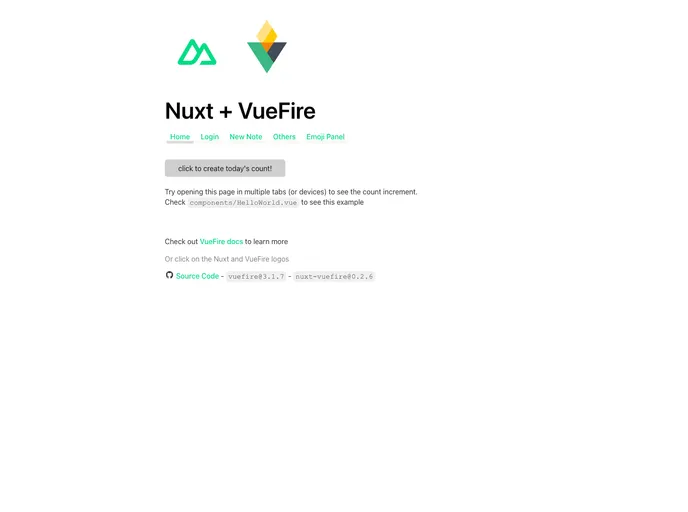



Example project using VueFire with Nuxt
Overview
This article provides a working example of Nuxt + VueFire, demonstrating the integration of VueFire into a Nuxt project. It includes instructions on how to set up a Firebase app, install the necessary packages, and configure the project.
Features
- Integration of VueFire into a Nuxt project
- Demonstrates the use of Firebase for backend functionality
- Provides step-by-step instructions for setup and configuration
Summary
This article presents a working example of integrating VueFire into a Nuxt project, along with the use of Firebase for backend functionality. It provides step-by-step instructions for setting up and configuring a Firebase app, as well as installing the required packages.
- Nuxt
nuxt.js is a lightweight and flexible JavaScript framework that allows developers to easily build dynamic and reactive user interfaces. Its intuitive syntax, modular architecture, and focus on performance make it a popular choice for modern web development.
- Vue
Vue.js is a lightweight and flexible JavaScript framework that allows developers to easily build dynamic and reactive user interfaces. Its intuitive syntax, modular architecture, and focus on performance make it a popular choice for modern web development.
- Firebase
Firebase offers a comprehensive set of features, including real-time database, authentication, hosting, cloud functions, storage, and more. Firebase provides an easy-to-use interface and allows developers to focus on building features rather than managing infrastructure.