
Vscode Gatsby Snippets
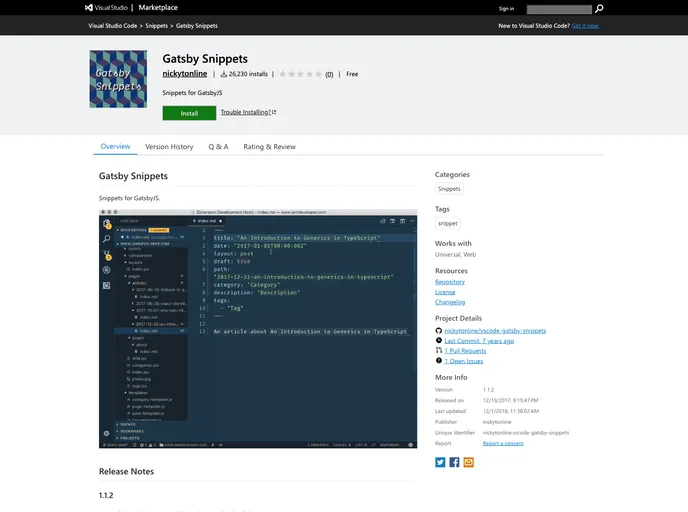
Visual Studio Code code snippets for use with the GatsbyJS static site generator for React.
Overview
Gatsby Snippets is a powerful tool designed for developers working with GatsbyJS, providing a comprehensive library of shortcuts that streamline the development process. Designed to enhance productivity, this collection features useful snippets for common tasks during development, particularly when dealing with GraphQL and Markdown. Whether you're creating new articles or managing rich media, Gatsby Snippets promises to help developers work more efficiently.
With a focus on usability and convenience, these snippets allow users to harness the full potential of GatsbyJS with minimal effort. The latest version, 1.1.2, reflects continuous improvements and updates, making this a reliable tool for both new and seasoned developers in the Gatsby ecosystem.
Features
- Markdown Shortcuts: Quickly create new articles (ga) or pages (gp) using simple keyboard shortcuts, which allows for faster content creation.
- GatsbyImageSharp Snippets: Support for a variety of Gatsby ImageSharp fragments, optimizing images with ease through shortcuts like gfi (fixed) and gfl (fluid).
- GraphQL Integration: Embedded GraphQL syntax support enhances the functionality of snippets, making it easier to work with Gatsby's powerful data layer.
- Contentful Snippets: Streamline your integration with Contentful using shortcuts such as gscfi for a fixed image and gscfl for fluid images.
- DatoCMS Support: Simplifies the development process with DatoCMS snippets, allowing for efficient handling of images and media.
- Editor Shortcuts: Includes helpful keyboard commands for splitting the editor and toggling preview modes, enhancing your coding workflow.
- Continuous Updates: Regular releases ensure that users have access to the latest features and improvements, reflecting user feedback and technological advancements.