
Self Hosted AI Starter Kit
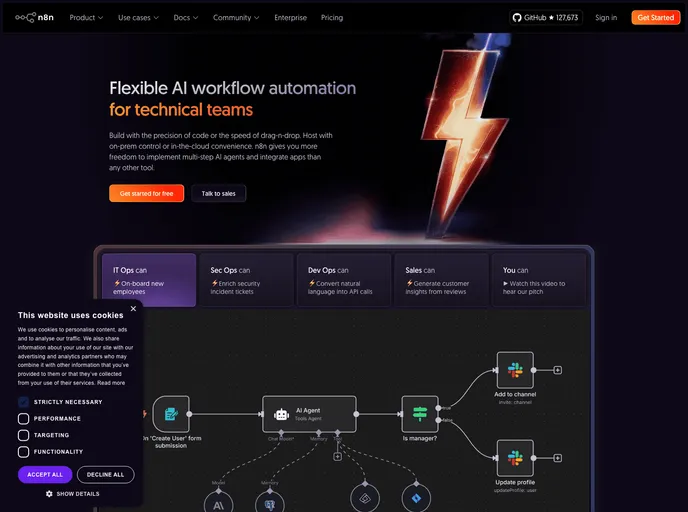
The Self-hosted AI Starter Kit is an open-source template that quickly sets up a local AI environment. Curated by n8n, it provides essential tools for creating secure, self-hosted AI workflows.
Overview
The Self-hosted AI Starter Kit is a remarkable tool that empowers developers to quickly set up a comprehensive local environment for AI and low-code development. By leveraging Docker Compose, this open-source kit simplifies the process of initializing an ecosystem that integrates various AI products and components. With curated elements from the self-hosted n8n platform, users can fast-track their journey towards creating AI workflows without the complexities typically associated with setup.
This starter kit not only makes it easy to get started but also supports a range of exciting applications—from AI agents to smarter communication tools, making it versatile for both personal projects and enterprise solutions. Its straightforward setup and extensive compatibility with modern AI technologies make it a standout choice for developers looking to explore the potential of building self-hosted AI solutions.
Features
- Self-hosted n8n: A low-code platform featuring over 400 integrations along with advanced AI components for seamless workflow automation.
- Ollama: A cross-platform LLM platform that allows users to install and run the latest local large language models efficiently.
- Qdrant: An open-source, high-performance vector store that provides a comprehensive API, enhancing the management of vector data.
- PostgreSQL: The backbone of data engineering capable of handling substantial data volumes securely and efficiently.
- Versatile Applications: Create AI agents for scheduling, summarizing documents, enhancing IT operations with smarter Slack bots, and analyzing financial documents privately.
- Quick Installation: A Docker Compose file minimizes setup hassle, allowing users to focus on building instead of configuration.
- Customization Options: Support for a variety of GPU setups and configurations, accommodating different user environments from Nvidia GPUs to Mac systems.
- User-Friendly Interface: Access n8n via a local browser interface that allows easy setup and management of workflows with just a few clicks.