
SublimeHighlight
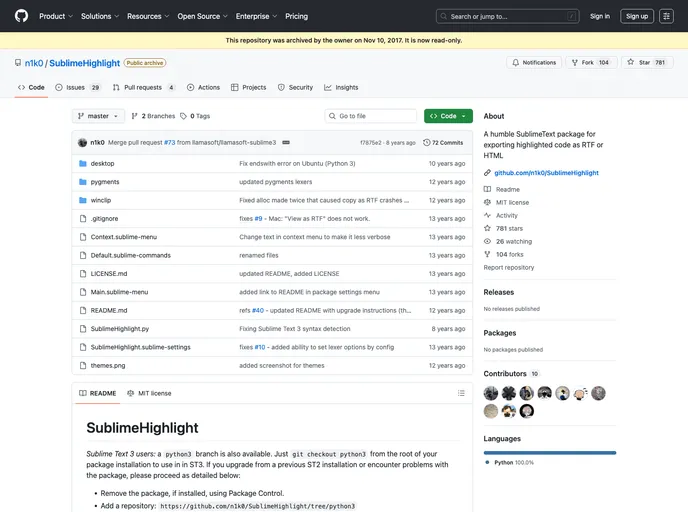
A humble SublimeText package for exporting highlighted code as RTF or HTML
Overview
SublimeHighlight is a powerful package designed for users of Sublime Text 2 and 3 who want to enhance their coding experience by easily exporting highlighted code. This package integrates seamlessly with Pygments to convert edited code into beautifully formatted HTML or RTF documents, making it perfect for presentations, documentation, and sharing snippets. Its intuitive commands and customizable features provide a versatile tool for developers and content creators alike.
The installation process is straightforward, and once set up, SublimeHighlight offers a range of options to tailor code export to your preferences. Whether you need to display code on a website or include it in a report, SublimeHighlight takes care of the formatting, allowing you to focus on your code.
Features
- HTML and RTF Export: Convert your edited code into highlighted HTML or RTF with simple commands, and view it in a new Sublime Text tab or your default browser.
- Clipboard Integration: Easily copy highlighted code to your clipboard in both HTML and RTF formats, ready for pasting into presentations or documents.
- Customizable Pygments Settings: Access a dedicated user settings file to customize the Pygments options, including themes, line numbering, and inline styling.
- Theme Selection: Choose from a variety of Pygments themes like "monokai," "friendly," or "autumn," or add your own themes for unique styling of your code.
- Lexer Options: Fine-tune your code highlighting by using specific Pygments lexer options, ensuring the best representation of your code syntax.
- User-Friendly Shortcuts: Set up key bindings to quickly copy RTF highlighted code with a simple keystroke, streamlining your workflow.
- Line Numbering Feature: Add line numbers to your output for better readability, with options for inline or table formats.
- Font Face Customization: Control the font face used in RTF output for better consistency with your document's style.