
Nest Rest Mongo Boilerplate
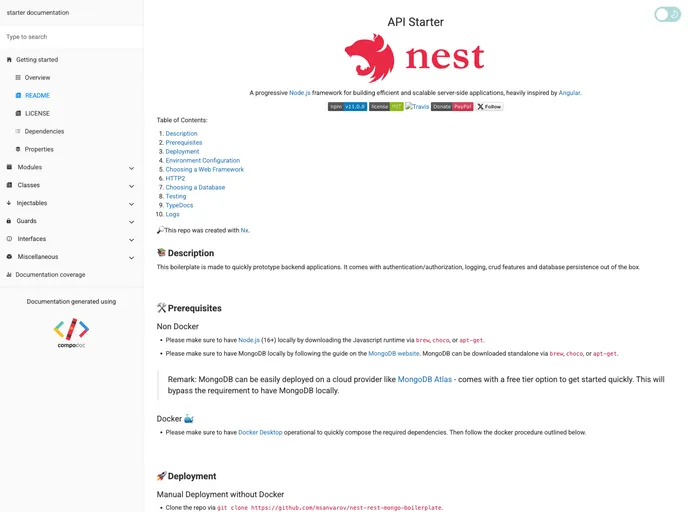


backend with nest (typescript), mongoose, and authentication
Overview
This boilerplate is designed for quickly prototyping backend applications. It includes features such as database integration, logging, security, and authentication. It provides options for both Docker and non-Docker deployments.
Features
- Database integration
- Logging functionality
- Security features
- Authentication capabilities
Non-Docker
- Ensure MongoDB Community is installed locally or have a subscription to Mongo on the cloud by configuring a cluster in Atlas.
- Create a
.envfile using the commandcp .env.example .envand replace the existing environment variables with personal settings (e.g., MongoDB URL). - Modify the connection string in the
.envfile. - Download dependencies using
npm ioryarn. - Start the app in pre-production mode using
npm run startornpm run start:dev.
Docker
- Set up Docker Desktop on the preferred operating system.
- Follow the Docker procedure outlined below.
- Note: Docker Desktop is free for Mac and Windows 10 Pro. For Windows 10, you can use Docker Toolbox as a workaround if you don't have Windows 10 Pro.
- Execute the following command in the app directory to set up and run the Docker project:
docker-compose up
- The web application and MongoDB will be exposed on
http://localhost:9000andhttp://localhost:27017, respectively.
Summary
This boilerplate provides a convenient solution for quickly prototyping backend applications. It offers features like database integration, logging, security, and authentication. Installation can be done with or without Docker, making it flexible for different environments. The instructions provided guide users through the installation process step by step.
- Express
Express.js is a simple Node.js framework for single, multi-page, and hybrid web applications.
- Nest
A progressive Node.js framework for building efficient, scalable, and enterprise-grade server-side applications with TypeScript/JavaScript.
- Docker

A website that uses Docker for containerization to streamline development, testing, and deployment workflows. This includes features such as containerization of dependencies, automated builds and deployments, and container orchestration to ensure scalability and availability.
- Typescript

TypeScript is a superset of JavaScript, providing optional static typing, classes, interfaces, and other features that help developers write more maintainable and scalable code. TypeScript's static typing system can catch errors at compile-time, making it easier to build and maintain large applications.