
Reader
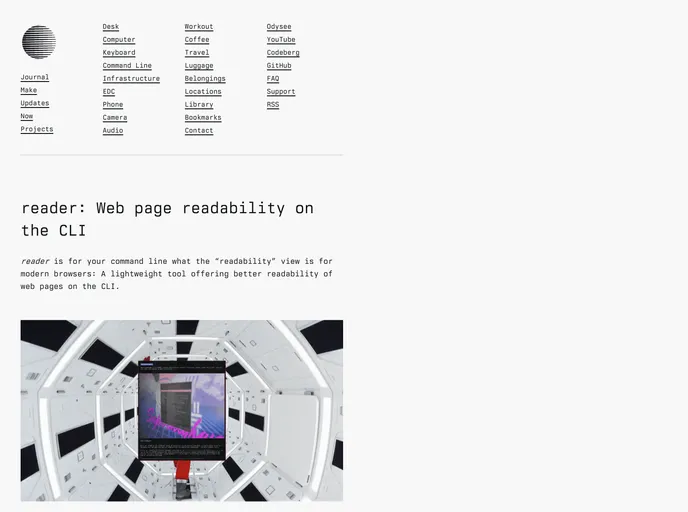
reader is for your command line what the “readability” view is for modern browsers: A lightweight tool offering better readability of web pages (and EML files!) on the CLI. (https://codeberg.org/mrus/reader)
Overview
readerreader is an innovative command line tool designed to enhance the readability of web content, much like the "readability" view found in modern web browsers. It processes web pages or EML files, isolating crucial content and presenting it in a clean, highlighted format directly on the terminal. This tool not only improves text readability by filtering out distractions but also adds a visual element by rendering embedded images as colorful block-graphics, making your command line experience richer.
For anyone who frequently navigates the web through the command line, readerreader provides a convenient way to access and visualize information without the usual clutter. It captures the essence of a webpage and translates it into a format that's easy to read and aesthetically pleasing in a terminal environment.
Features
- Content Parsing: Efficiently extracts the main content from web pages or EML files for clear reading.
- Image Rendering: Displays embedded images as colored block-graphics, enhancing visual comprehension.
- Markdown Output: Supports outputting raw markdown for users who prefer to save or manipulate text.
- Integrated Use: Can be easily used within w3m by pressing a specific command to open pages directly.
- Vim Compatibility: Allows users to open links from documents in Vim/Neovim with a simple key mapping.
- Flexible Options: Offers various command-line options for customized viewing, including image rendering capabilities.
- File Interaction: Facilitates reading from files or standard input for added versatility in handling different sources.