
Example Versioning
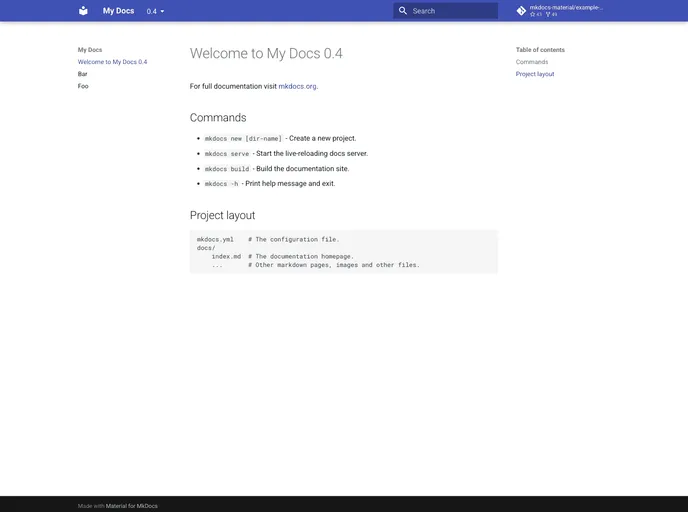

An example of versioning with Material for MkDocs
Overview
If you are looking to enhance your documentation projects, the new versioning feature of Material for MkDocs stands out as an impressive improvement. It allows for better management of multiple versions of documentation, ensuring that your users can easily access the version they need. The integration process is straightforward, making it a great choice for developers and teams alike.
Features
- Easy Installation: Quickly set up Material for MkDocs and the supporting tool, mike, to get started with versioning in no time.
- Simple Configuration: Customize your documentation project effortlessly by updating the mkdocs.yml file to accommodate versioning.
- Version Control: Make systematic changes to your documentation, enabling you to publish multiple document versions while keeping a clean history.
- Default Version Setting: Easily set a default version to keep your users on the latest edition without any hassle.
- User-Friendly Updates: Publish new versions with minimal steps, allowing for continuous improvement of your documentation as changes are made.
- MkDocs
MkDocs is a fast, simple and downright gorgeous static site generator that's geared towards building project documentation. Documentation source files are written in Markdown, and configured with a single YAML configuration file.