
Vscode Azurestaticwebapps
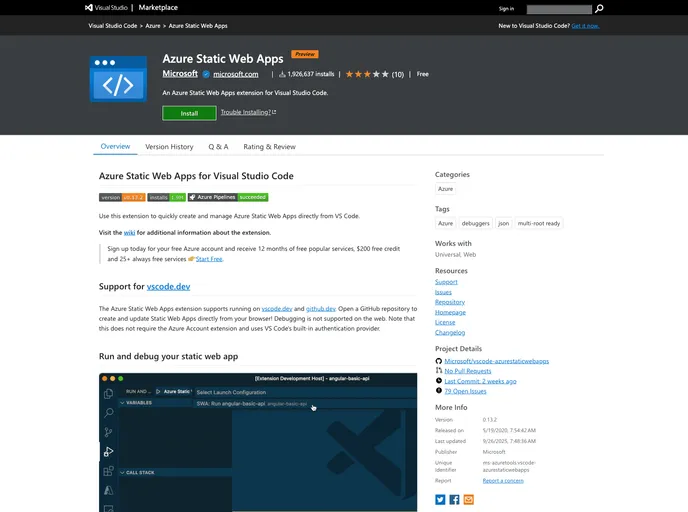
Azure Static Web Apps extension for VS Code
Overview
Azure Static Web Apps for Visual Studio Code is a powerful extension designed for developers who want to create and manage static websites seamlessly. It allows for quick interaction with Azure services directly through the VS Code interface. With features that support both local development and deployment from GitHub repositories, this extension caters to modern web development needs. It’s particularly beneficial for developers looking to leverage Azure's infrastructure while maintaining a streamlined workflow.
The extension enhances productivity by providing an intuitive setup process, enabling debugging of static web apps, and supporting a variety of frameworks. Whether you're a seasoned developer or just starting, Azure Static Web Apps simplifies the deployment and management of your projects in the cloud, making the development experience smoother and more efficient.
Features
-
Quick Setup: Easily create your static web app by clicking the '+' button in the VS Code explorer, presenting a user-friendly interface to guide you through initial setup.
-
GitHub Integration: Authorize access to your GitHub account to pull project repositories and automatically deploy changes with GitHub Actions.
-
Dynamic Debugging: The extension provides tools to debug your static web app with a dynamic configuration, greatly improving the development process.
-
Custom API Support: Integrate serverless APIs into your static web app by creating HTTP Functions directly from VS Code.
-
Environment Management: Manage both production and staging environments directly within the extension, allowing for easy updates and previews of incoming changes.
-
No Additional Account Required: The extension eliminates the need for the Azure Account extension by utilizing VS Code's built-in authentication, streamlining your setup process.
-
Online Support: It supports vscode.dev and github.dev, allowing you to create and update static web apps right from your browser, although debugging is not supported in this environment.
-
Recommended Settings: Get suggestions for configuring the extension based on popular frameworks and libraries, reducing guesswork during setup.