FoodTime
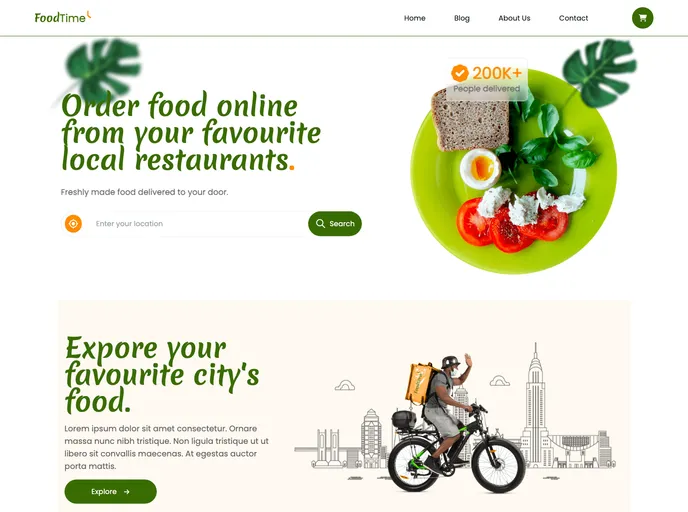
Landing page for a food ordering website
Overview:
This article provides an introduction to Create React App, a tool for bootstrapping React projects. It explains how to run the app in development mode, launch the test runner, build the app for production, and deploy it. The article also mentions the option to eject from Create React App in order to have full control over the build tool and configuration choices.
Features:
- Easy setup: Create React App provides a streamlined process for setting up React projects.
- Development mode: The app can be run in development mode, allowing for live reloading of changes.
- Test runner: Create React App includes a built-in test runner that can be launched in an interactive watch mode.
- Production build: The app can be built for production, optimizing the build for performance and generating a minified, optimized bundle.
- Deployment: Create React App provides guidance on deploying the app to a production environment.
- Customization options: While not necessary for most deployments, Create React App allows for ejecting from the default configuration, giving full control over build tools and configuration choices.
Summary:
Create React App is a convenient tool for quickly starting React projects. It simplifies the setup process and provides useful scripts for development, testing, building, and deploying React apps. The tool offers a curated feature set suitable for small and middle deployments, but also allows for customization by ejecting from the default configuration.