
Lyricstify
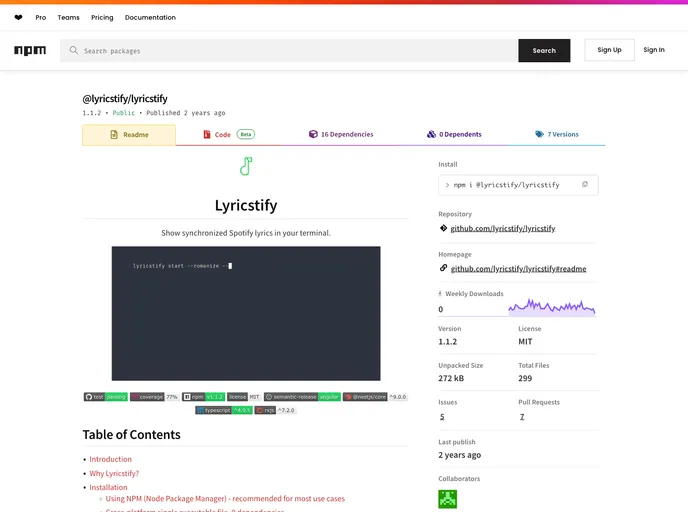

Command line based application to show synchronized Spotify lyrics in your terminal with romanization and translation support. Built with Node.js, TypeScript, NestJs, and RxJs.
Overview:
Lyricstify is a command-line application that displays synchronized lyrics in the terminal based on the currently playing song in a user's Spotify account. It aims to provide more flexibility and customization options compared to the official Spotify client's built-in lyrics feature. Lyricstify caters to users who prefer terminal-based applications and offers features like customizable lyrics styles, romanization, and translation.
Features:
- Synchronized Lyrics Display: Shows lyrics synchronized with the currently playing song in Spotify.
- Customizable Style: Allows users to customize the style of lyrics for their favorite songs.
- Romanization and Translation: Provides features like romanization and translation missing in the official Spotify client.
- Terminal-based: Offers a terminal-based interface for users who prefer this over desktop or web applications.
- Cross-platform Compatibility: Works on multiple operating systems (Linux, Windows, macOS).
Using NPM (Node Package Manager):
- Install Node.js (Node >= 16.20.0 recommended).
- Run the following command in your terminal:
npm install -g lyricstify
Cross-platform Single Executable File (0 Dependencies):
- Download the latest version of the executable file from the releases page corresponding to your OS.
Build it Yourself:
- Clone the repository or download the source code from the releases page.
- Install the required dependencies by running:
npm install - Build the source code for execution by Node.js:
npm run build - Execute Lyricstify using:
./dist/cli.js
Building Cross-platform Binaries:
- Clone the repository or download the source code.
- Install dependencies:
npm install - Build the source code for cross-platform binaries:
npm run build:binaries
Summary:
Lyricstify is a versatile command-line application that enhances the Spotify experience by offering synchronized lyrics display with added customization options like styles, romanization, and translation. Users can install Lyricstify using npm or opt for standalone executable files without additional dependencies. Overall, Lyricstify provides a unique way to enjoy and interact with music on Spotify through the terminal interface.
- Nest
A progressive Node.js framework for building efficient, scalable, and enterprise-grade server-side applications with TypeScript/JavaScript.
- Eslint

ESLint is a linter for JavaScript that analyzes code to detect and report on potential problems and errors, as well as enforce consistent code style and best practices, helping developers to write cleaner, more maintainable code.
- Typescript

TypeScript is a superset of JavaScript, providing optional static typing, classes, interfaces, and other features that help developers write more maintainable and scalable code. TypeScript's static typing system can catch errors at compile-time, making it easier to build and maintain large applications.