
Parm
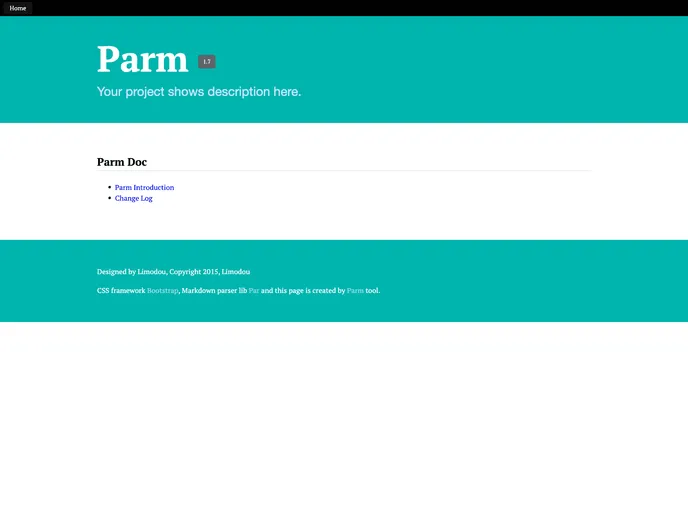
Convert par favorit markdown syntax to html document, supports semantic-ui and bootstrap css framework.
Overview
If you're looking for an intuitive way to convert Markdown documents into polished HTML, Parm is an excellent tool that simplifies this process. With its support for popular CSS frameworks like Semantic UI and Bootstrap, Parm allows users to create visually appealing and well-structured web content effortlessly. The installation is straightforward, making it accessible for both beginners and seasoned developers alike.
Once you have initialized the Parm environment and set up your project, you find a variety of features designed to enhance your Markdown writing experience. Whether you're organizing a table of contents or converting reStructuredText into Markdown, Parm streamlines the workflow and enables seamless document conversion.
Features
-
Easy Installation: Installing Parm is a breeze, and setting up your Markdown documents requires just a few simple commands.
-
Table of Contents Support: Parm allows you to create a dynamic table of contents in your Markdown files, making navigation through your documents effortless.
-
Configurable Parameters: You can customize various settings, including maximum heading depth for TOC, directly from the configuration file for tailored document output.
-
Built-in Project Templates: Version 0.9 comes with pre-created demo pages like index.md, helping you hit the ground running.
-
Multiple Output Formats: While the default output is HTML, Parm allows you to specify other output directories to suit your needs.
-
Markdown and reStructuredText Conversion: Easily convert reStructuredText documents to Markdown and leverage new styles for enhanced formatting.
-
Disqus Integration: Adding commenting support to your pages is hassle-free, thanks to built-in Disqus integration which simplifies user interaction on your site.
-
Interactive Command Line Interface: Parm includes an interactive setup that guides you through configuration steps, making it user-friendly, even for those new to Markdown editing.