Lc Soft.io
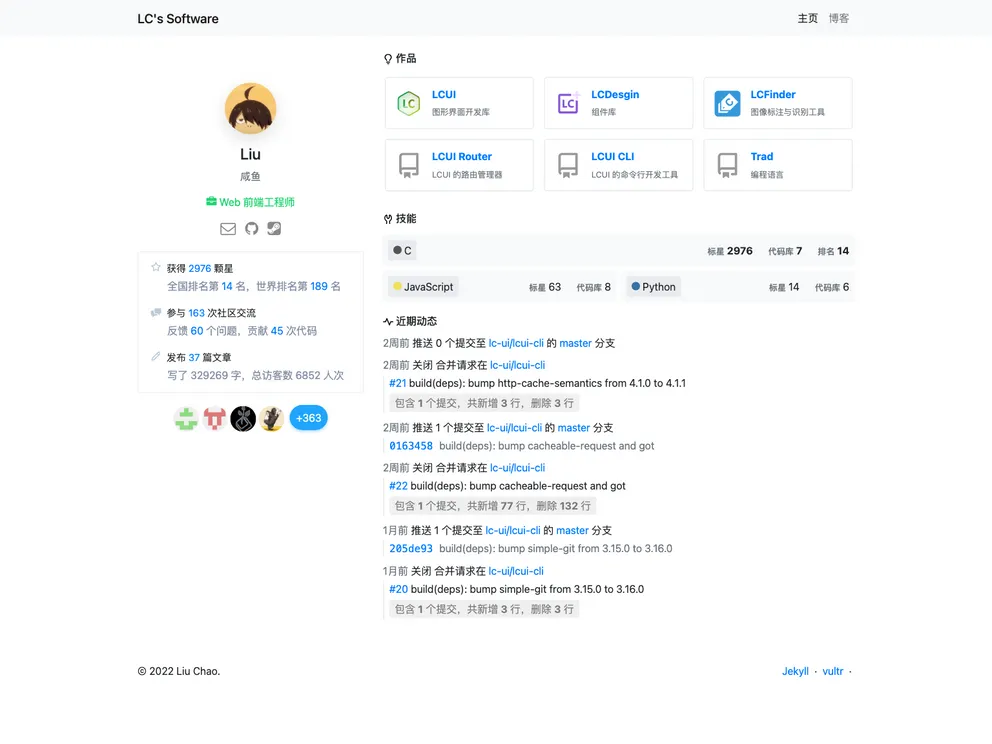
website source files for lc-soft.io
Overview:
The lc-soft.iolc-sft.io website source code is based on Jekyll and consists of purely static pages. To set up the environment and install the necessary dependencies, one needs to download and install Node.js, add the Node.js bin directory to the PATH environment variable, and use git to download the code repository. After that, npm should be used to install the necessary dependencies, followed by running the build.sh script to generate the pages. To start the build, a server should be launched in another terminal. The code repository includes the page source code for the main site, blog, and LCUI. When pushing commits to the code repository, if automatic website updates are desired, the flask server in the API should be run using uwsgi. Finally, Webhooks should be configured for the forked project in GitHub, with the address pointing to http://yourdomainname/build.
Features:
- Static pages: The website is built using Jekyll and consists of purely static pages.
- Multiple sites: The code repository includes page source code for the main site, blog, and LCUI.
- Automatic updates: By running the flask server in the API using uwsgi and configuring Webhooks in GitHub, the website can be automatically updated when pushing commits to the code repository.
Summary:
The lc-soft.iolc-sft.io website source code is built using Jekyll and consists of purely static pages. The code repository includes page source code for the main site, blog, and LCUI. To install the theme, Node.js needs to be installed along with the necessary dependencies. Running the build.sh script generates the pages, and a server should be launched in another terminal to start the build. Optional steps include running the flask server in the API for automatic website updates and configuring Webhooks in GitHub.