Frontend Mentor Bookmark Landing Page
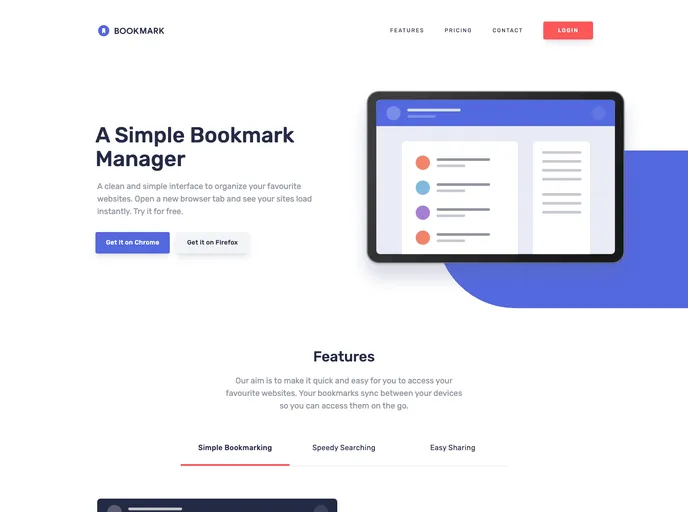
My solution for the Bookmark Landing Page challenge from Frontend Mentor
Overview
This product analysis is for the Bookmark landing page solution on Frontend Mentor. This solution allows users to view the optimal layout for the site depending on their device's screen size, see hover states for all interactive elements on the page, and receive error messages when the newsletter form is submitted with empty input fields or incorrectly formatted email addresses.
Features
- Optimal Layout: The site adjusts its layout based on the user's device screen size.
- Hover States: Interactive elements on the page have hover states to provide visual feedback.
- Error Messages: Users receive error messages when submitting the newsletter form with empty input fields or incorrectly formatted email addresses.
Summary
The Bookmark landing page solution on Frontend Mentor allows users to view a responsive layout, interact with hover states, and receive error messages when submitting the newsletter form. It was built using HTML5, CSS, React, Remix, and Tailwind CSS. The solution also includes a dynamic accordion feature for displaying different content sizes with appropriate max-height values. Overall, the solution provides a sleek and user-friendly experience for the Bookmark landing page.