
Versions Jekyll
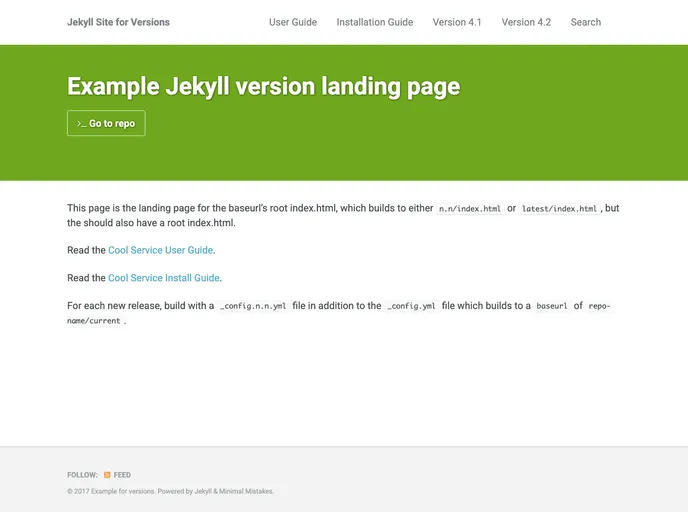

An example site and repo for controlling versions of content in a web site.
Overview
Understanding versioning in web projects is crucial for maintaining and delivering content effectively. This approach leverages tools like GitHub and Jekyll to manage source files and generate static output, which can be distinctly versioned. By employing collections and configuration management through Jekyll, you can create a website that accurately represents multiple versions of your project, ensuring users can easily navigate to the content they need based on the version.
The setup described allows for dynamic URL structures that reflect the version number, providing clarity for users who seek specific iterations of your content. This capability is particularly useful in scenarios where certain pages may not exist for every version, raising the question of how to handle user experience when they encounter such cases.
Features
- Version Control with Git: Utilizes Git for managing source files, ensuring stable branches or tags are used for effective versioning.
- Dynamic Output Versions: Generates output files with versions that are incrementally meaningful but can also have whimsical names if desired.
- Customizable Collection Settings: The
_config.ymlfile allows for custom destination folders based on versioning, enhancing organization. - URL Structure Reflection: Outputs are organized into separate folders per release on GitHub Pages, giving users clear version indications in URLs.
- Current Version Identification: The master branch consistently reflects the latest version, making it easy for users to access the most relevant content.
- Theme Support: Utilizes the Minimal Mistakes Jekyll theme, which is designed for collections and enhances the overall functionality.
- Error Handling Flexibility: Provides options for managing nonexistent pages across different versions, improving the navigation experience.
- Efficient Build Process: The ability to create custom
_config.x.y.ymlfiles for stable branches automates the build process and allows easy deployment of specific version releases.
- Jekyll
Jekyll is a static site generator written in Ruby that allows you to create simple, fast, and secure websites without the need for a database.
- Documentation

Documentation themes are built specifically for writing technical and product documentation. They are normally written and maintained in Markdown. The often include a navigation menu, search bar, clear headings, semantic document structure and clean typography.
- Templates & Themes

A template or theme refers to a pre-designed layout or structure that provides a basic framework for building a specific type of application or website. It typically includes good design, placeholder content and functional features, allowing developers to customize and fill in the details according to their specific needs.