
Linguard
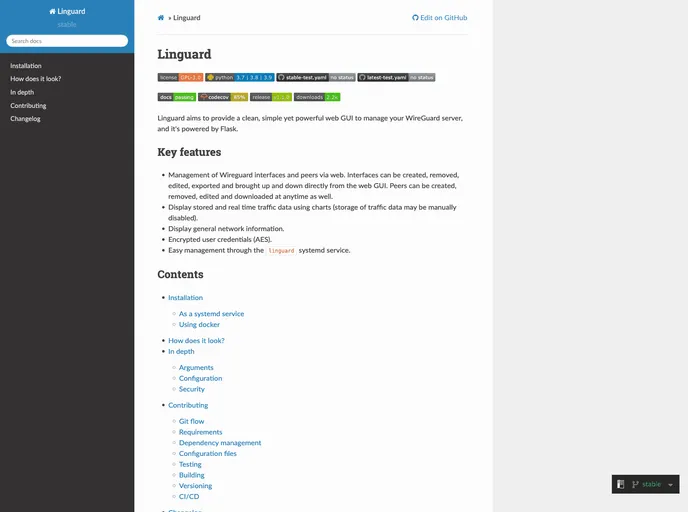

A simple, yet powerful web GUI to manage your Wireguard server, powered by Flask.
Overview
Linguard is a web GUI designed to manage WireGuard servers with a focus on simplicity and functionality. It leverages Flask to provide users with a clean interface for handling interfaces, peers, traffic data, and network information.
Features
- Management of WireGuard interfaces and peers: Create, remove, edit, export, bring up, and bring down interfaces directly from the web GUI.
- Real-time traffic data visualization: View stored and real-time traffic data through charts, with the option to manually disable data storage.
- General network information display: Access and view general network information conveniently.
- Encrypted user credentials (AES): Ensure secure handling of user credentials through encryption.
- Linguard systemd service: Facilitates easy management of Linguard through the systemd service.
As a systemd service:
- Download any release.
- Extract the release and run the installation script.
- Start Linguard.
Docker:
- Download the docker-compose.yaml file.
- Run Linguard using Docker.
Note: For all available tags, refer [here].
Summary
Linguard offers a user-friendly solution for managing WireGuard servers via a web GUI powered by Flask. With features like interface and peer management, traffic data visualization, network information display, and encrypted credentials, Linguard simplifies the process of handling WireGuard servers. Installation can be done both as a systemd service or through Docker, providing flexibility to users based on their preferences.
- Flask
Flask is a lightweight and popular web framework for Python, known for its simplicity and flexibility. It is widely used to build web applications, providing a minimalistic approach to web development with features like routing, templates, and support for extensions.