
Superfine
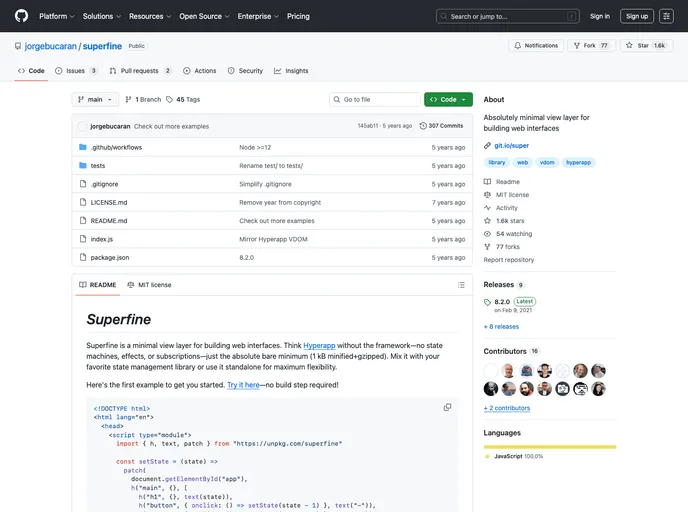
Absolutely minimal view layer for building web interfaces
Overview
Superfine is an innovative minimal view layer for creating web interfaces that focuses on simplicity and efficiency. Unlike traditional frameworks that involve state machines and complex setups, Superfine is designed to be lightweight, offering developers the ability to mix it with their preferred state management libraries or utilize it independently for utmost flexibility. At just 1 kB when minified and gzipped, it's perfect for those looking to build fast and clean applications without the bloat.
What sets Superfine apart is its approach to rendering. Instead of relying on heavy markup, it utilizes h() and text() functions to create a virtual representation of the DOM. The patch() function allows for efficient updates, ensuring that only the parts of the DOM that need changing are affected—this approach preserves performance and enhances user experience.
Features
-
Minimal Footprint: Superfine is lightweight at just 1 kB minified and gzipped, making it ideal for performance-sensitive applications.
-
Virtual DOM Representation: Instead of traditional markup, Superfine uses functions like
h()andtext()to represent the DOM, streamlining the rendering process. -
Efficient DOM Updates: The
patch()function efficiently updates only the necessary sections of the DOM, avoiding heavy re-renders and improving performance. -
Flexible Integration: You can either utilize Superfine standalone or pair it with your favorite state management solution for tailored application development.
-
Attribute and Event Support: Superfine nodes support all standard HTML and SVG attributes, along with DOM events, providing complete versatility in how elements behave.
-
Recycling for Better SEO: It can patch over server-side rendered HTML, helping with SEO by allowing search engine crawlers to efficiently access the fully rendered page.
-
Key Properties for Performance: Implementing unique keys on virtual DOM nodes allows for better tracking of elements during updates, minimizing the risk of disrupting the user interface.
-
Style Customization: Although not the primary means of styling, the style attribute is available for quick inline styling when necessary, ensuring visual customization flexibility.