
Sublime Grunt Build
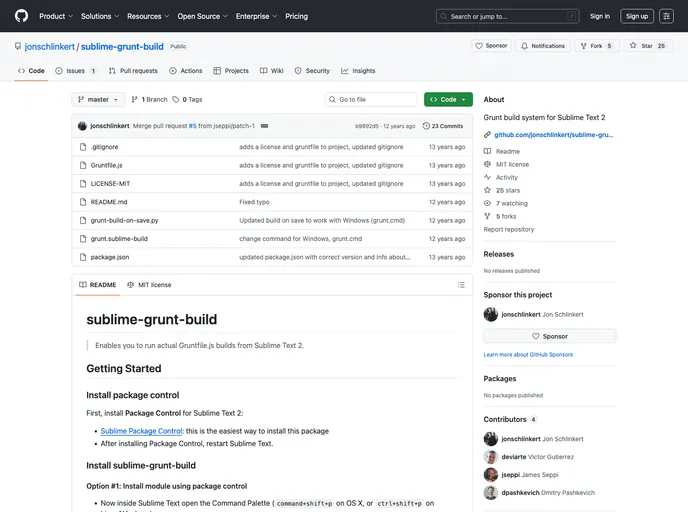
Grunt build system for Sublime Text 2
Overview
If you are a developer who frequently uses Sublime Text 2 for your projects, the sublime-grunt-build package can significantly streamline your workflow. This tool allows you to execute Grunt tasks directly within the Sublime Text environment, enhancing your productivity by integrating build processes without leaving your editor. With options for installation and robust features tailored for efficient builds, it's a handy addition to any developer's toolkit.
Features
- Easy Installation: Set up the package quickly through Sublime's Package Control or manually download and place it in the appropriate directory.
- Integrated Grunt Builds: Execute builds directly from your Gruntfile.js, making it easier to manage your project's build processes.
- Build on Save: Automatically run builds every time you save a file, allowing for a more seamless development experience.
- Customizable Build Settings: Adjust settings for the build-on-save feature in your project’s .sublime-project file, giving you control over when builds are triggered.
- Cross-Platform Compatibility: Works on OS X, Linux, and Windows, ensuring a wide range of users can benefit from the tool.
- Ease of Use: Access the build functionality with simple keyboard shortcuts, enhancing your coding efficiency.
- Open Source Contribution: Encourages community participation, allowing developers to contribute enhancements and maintain coding standards.
- Grunt

Grunt is a popular JavaScript task runner that automates repetitive tasks like minification, compilation, and testing, allowing developers to focus on writing code.