
Cheatsheets

John's Cheatsheets
Overview
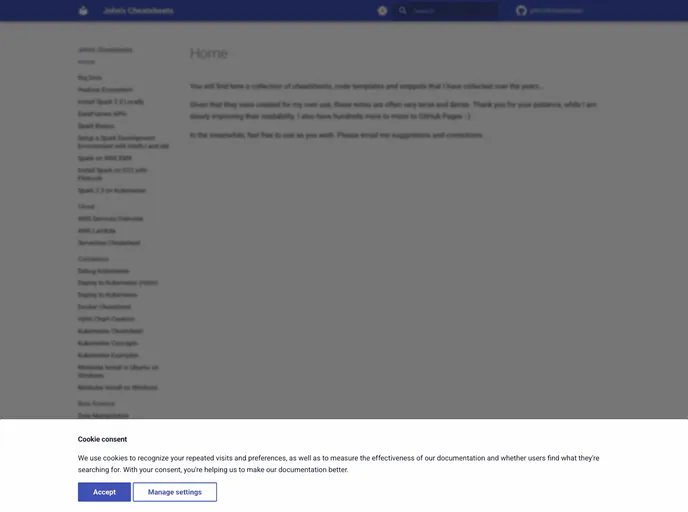
John's Cheatsheets is a cleverly designed website aimed at providing valuable coding resources through a structured and accessible format. Built using MkDocs paired with Material for MkDocs, this site not only offers robust documentation but also caters to developers looking for a user-friendly experience. The integration of modern development tools and practices makes it a great asset for anyone involved in coding and documentation.
The documentation is neatly organized, allowing users to navigate through various topics and commands effortlessly. With a focus on developer contribution and collaboration, John's Cheatsheets encourages engagement through its well-defined structure and clear instructions.
Features
- Ease of Use: The website is user-friendly, providing straightforward navigation and efficient search capabilities for quick access to information.
- Modern Design: Utilizes Material for MkDocs for a clean, responsive, and aesthetically pleasing layout that's easy on the eyes.
- Live Reloading: Includes the
mkdocs servecommand, enabling developers to preview changes in real-time as they update the documentation. - Docker Integration: Streamlines the development process with Docker, allowing users to set up a consistent environment using the Dev Container feature.
- Comprehensive Commands Guide: Offers essential
mkdocscommands directly within the documentation, making it easier for users to create and manage their own documentation projects. - Continuous Deployment: Uses GitHub Actions to automate deployment, ensuring the latest changes are always reflected on the site without manual intervention.
- Contribution-Friendly: Provides clear instructions for contributing, encouraging collaboration and growth from the community of developers.
- MkDocs
MkDocs is a fast, simple and downright gorgeous static site generator that's geared towards building project documentation. Documentation source files are written in Markdown, and configured with a single YAML configuration file.