
Hugo Theme Ava
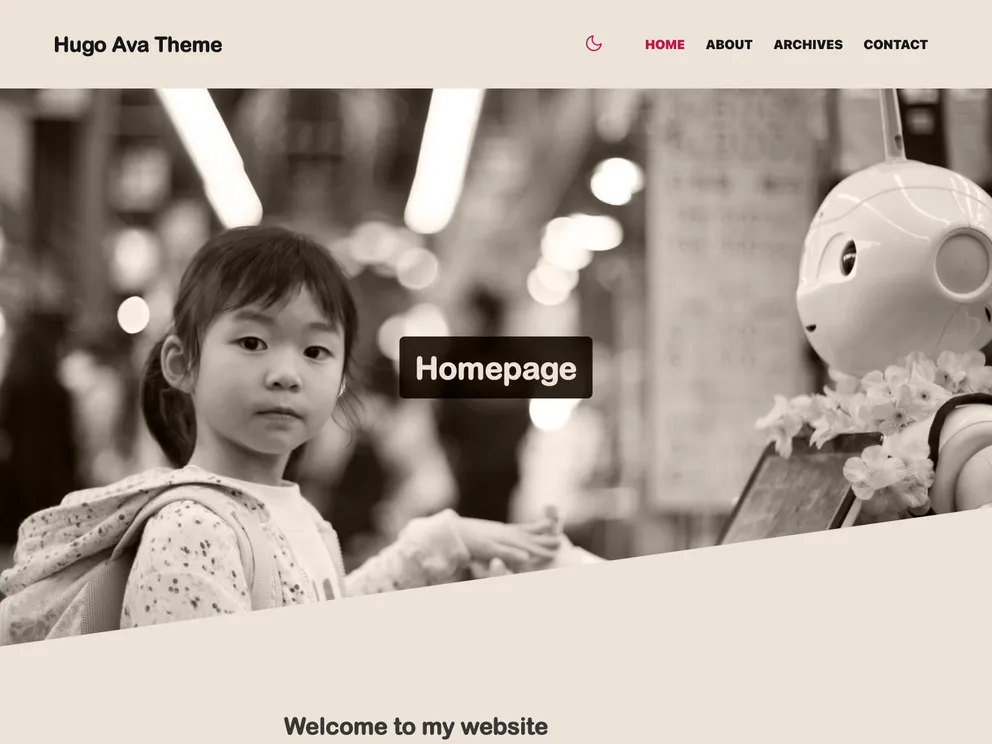

Ava is a light theme for your blog with essential features you might dig in.
Overview
The Hugo Ava Theme is a customizable theme for Hugo websites. It offers a sleek and modern design, with options for light and dark mode. The theme includes various features such as customizable colors, icons, and menu links. It also provides options for setting default images, adding comments through Disqus, and customizing the humans.txt file. The theme is released under the MIT license, allowing users to fork and modify it. Overall, the Hugo Ava Theme offers a stylish and versatile option for Hugo websites.
Features
- Customizable colors for light and dark mode
- Integration with feather icons for SVG icons
- Ability to change favicon and default image
- Customization options for humans.txt file
- Integration with Google Analytics for tracking website statistics
- Customizable main menu links
- Options for setting default and per-post images
- Support for comments through Disqus
- Planned features include internationalization and additional shortcodes
Summary
The Hugo Ava Theme is a customizable theme for Hugo websites, offering a sleek and modern design with options for light and dark mode. It provides features such as customizable colors, icons, menu links, and images. The theme also integrates with Google Analytics for website tracking and supports comments through Disqus. Installation of the theme involves cloning the theme repository, copying example content, customizing colors and icons, and configuring settings in the "config.toml" file. The theme is released under the MIT license, allowing users to modify and distribute it.
- Hugo
Hugo is an open-source static site generator that features fast build times, flexible themes, support for multiple content formats, multilingual websites, live reloading, and an active community. It allows developers to easily create and deploy SEO-friendly and mobile-responsive websites.
- Dark Mode
Dark mode is a user interface option that uses a dark color scheme instead of light. It reduces eye strain and improves visibility in low-light conditions. Implementing dark mode in a website or application involves updating the styles and color palette to support both light and dark modes.