
Gatsby Intermediate
Overview
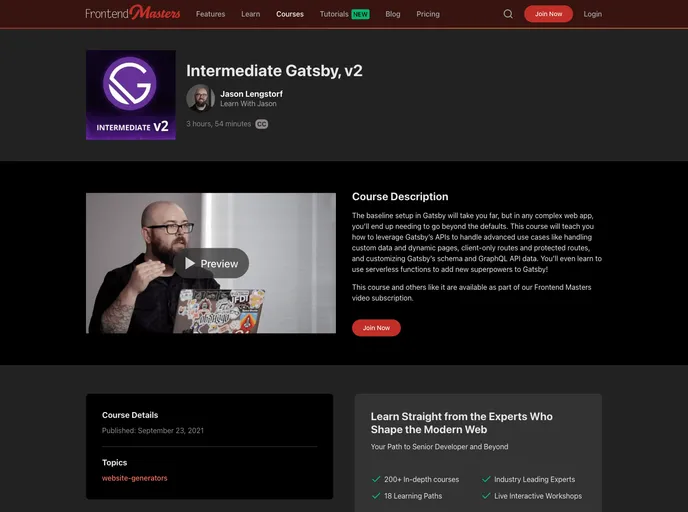
The Intermediate/Advanced Gatsby workshop offered by Frontend Masters is a comprehensive deep dive into building sophisticated web applications using the Gatsby framework. This workshop is tailored for developers who have a foundational understanding of Gatsby and are looking to elevate their skills by learning to create custom themes, manage component structures, and implement advanced functionalities such as GraphQL queries and live code editing. The hands-on approach encourages practical learning through the creation of a fully functional documentation site.
This workshop covers a variety of topics, from setting up Yarn workspaces to integrating Theme UI and code highlighting features, empowering participants to create a polished and user-friendly website. By working through the various parts of the workshop, attendees will emerge with a solid understanding of best practices and innovative solutions in modern frontend development.
Features
-
Yarn Workspaces: Set up a seamless development environment by creating and managing multiple packages within a single repository.
-
Custom Docs Theme: Build a tailored Gatsby theme for documentation, allowing for better organization and presentation of content.
-
GraphQL Data Management: Utilize GraphQL to define custom data types and build complex queries, enhancing content retrieval and manipulation capabilities.
-
Responsive Layout Components: Design and implement layout components, including a DocsPage and TableOfContents, to structure documentation efficiently.
-
Integration of Theme UI: Apply Theme UI for sophisticated theming and styling, ensuring a consistent look and feel across the site while simplifying the styling process.
-
Live Code Editing Support: Enhance interactivity by adding live-editable code blocks using React Live, allowing users to experiment with code snippets directly in the documentation.
-
Custom Resolvers and MDX Handling: Develop custom resolvers for managing MDX content, enabling rich documentation experiences with embedded React components.
-
Enhanced Syntax Highlighting: Implement enhanced code visualization with Prism.js, making it easier for users to read and understand code examples presented in the documentation.