Todo React
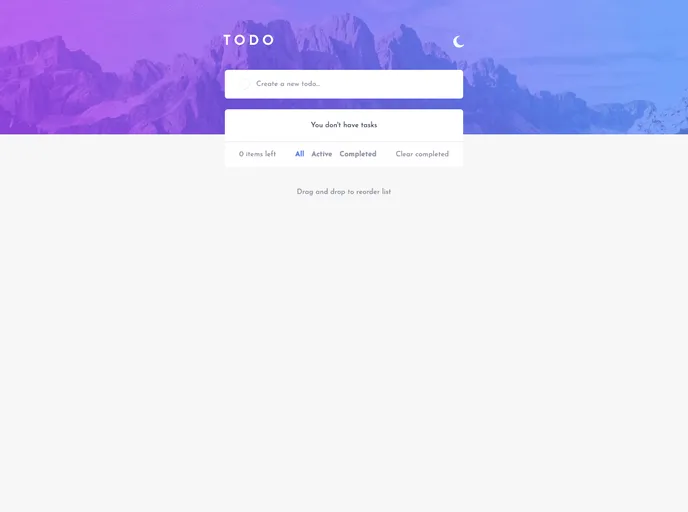
learning react
Overview:
This is a product analysis of a solution to the Todo app challenge on Frontend Mentor. The solution allows users to view the optimal layout for the app depending on their device's screen size, have interactive elements with hover states, add, mark, and delete todos, filter todos, clear completed todos, toggle light and dark mode, and drag and drop to reorder items on the list.
Features:
- Optimal layout: The app adjusts to different screen sizes.
- Hover states: Interactive elements on the page have hover states.
- Add new todos: Users can add new todos to the list.
- Mark todos as complete: Users can mark todos as complete.
- Delete todos: Users can delete todos from the list.
- Filter todos: Users can filter todos by all, active, or complete.
- Clear completed todos: Users can clear all completed todos.
- Toggle light and dark mode: Users can switch between light and dark mode.
- Drag and drop to reorder items: Users can rearrange items on the todo list.
Summary:
This product analysis reviewed a solution to the Todo app challenge on Frontend Mentor. The solution provides various features such as responsive layout, interactive elements, add/delete/mark todos, filters, light/dark mode toggling, and drag and drop functionality. It was built using semantic HTML5 markup, Tailwind CSS, and the React JS library. The developer learned about React components, props, and hooks during the process and used external resources such as the @hello-pangea/dnd library and the React JS guide.