
Grunt Exec
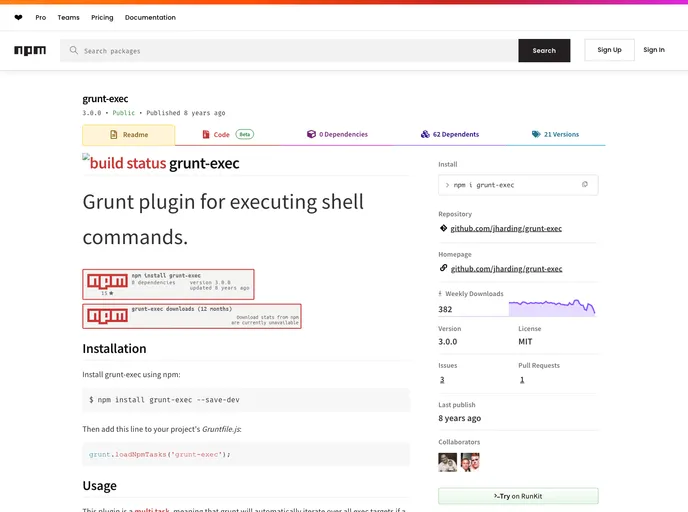
Grunt plugin for executing shell commands.
Overview
Grunt-exec is a versatile plugin for Grunt that simplifies the execution of shell commands within your build process. It's particularly useful for automating tasks that require command-line operations, allowing you to integrate these functions seamlessly into your workflow. With its multi-task capability, Grunt-exec ensures that the specified shell commands are processed efficiently—even allowing for error handling by monitoring exit codes.
Moreover, this plugin offers features that enhance user interactivity and streamline workflows. Whether you're consolidating command executions into a single task or utilizing advanced configuration for more complex operations, grunt-exec is equipped to meet various demands.
Features
-
Command Execution: Execute any shell command as a string or function, providing flexibility in automation tasks.
-
Error Handling: Automatically checks exit codes to abort processes on errors, ensuring reliability in scripts.
-
Interactivity Support: Redirect stdin for user interactivity, allowing for real-time input within the shell command interface (experimental feature).
-
Output Management: Control stdout and stderr visibility with simple flags, so you can decide which outputs to display during execution.
-
Working Directory Customization: Define the current working directory for shell commands, offering greater control over execution contexts.
-
Callback Functions: Utilize custom callback handling to manage asynchronous operations efficiently, enhancing the plugin's flexibility.
-
Environment Variables: Pass environment key-value pairs to modify the command execution context, giving you the power to adapt commands based on the environment.
-
Command Line Arguments: Easily pass and manipulate command-line arguments, making it simple to execute targeted commands directly from the terminal.
- Grunt

Grunt is a popular JavaScript task runner that automates repetitive tasks like minification, compilation, and testing, allowing developers to focus on writing code.