
Htmlpublisher Plugin
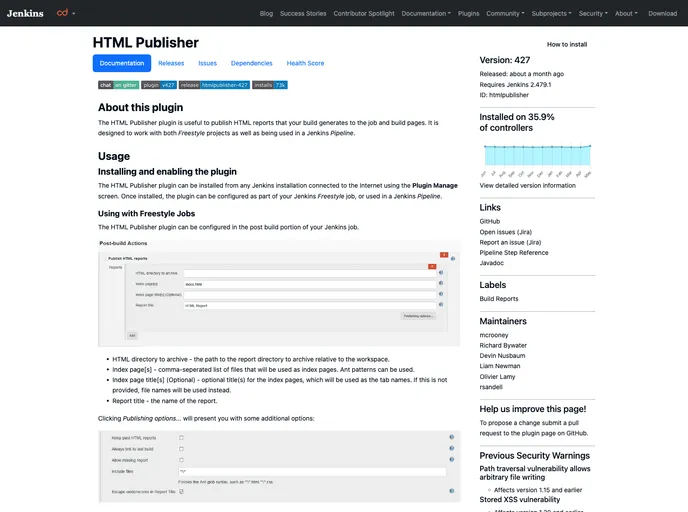
Jenkins htmlpublisher plugin
Overview
The HTML Publisher Plugin for Jenkins is a powerful tool designed to streamline the process of publishing HTML reports generated during builds. Whether you're working with Freestyle projects or Jenkins Pipelines, this plugin helps you easily incorporate HTML reports into your job and build pages. With its intuitive configuration options, it allows for a seamless integration of analysis and results, ensuring that vital information is presented clearly and effectively after each build.
This plugin addresses the need for better visibility of generated reports, making it simpler for teams to access, analyze, and respond to project outputs. Its capability to manage report archives and various customization features empowers developers to maintain a clean and organized presentation of their builds, irrespective of the complexity of their CI/CD workflows.
Features
-
Supports Freestyle Projects and Pipelines: Seamlessly integrates with both Jenkins Freestyle projects and Jenkins Pipeline, offering flexibility based on your project's needs.
-
Customizable HTML Directory: Allows you to specify the path to the report directory relative to the workspace, making it easy to manage where your reports are archived.
-
Index Page Options: Users can create index pages using a comma-separated list of files, with support for Ant patterns, ensuring a smooth navigation experience for users accessing the reports.
-
Report Retention Management: Options to keep past HTML reports or just the last stable build’s report help in maintaining a controlled archive of previous builds.
-
Configurable Report Titles: Users can provide custom titles for index pages or rely on default file names, enhancing the clarity and context of reports displayed.
-
Error Handling for Missing Reports: The ability to allow or disallow missing reports can help teams identify issues quickly, as builds can be marked as failed when reports are absent.
-
Additional Customization: Includes options for file inclusions, escaping characters in titles, and even custom icons for reports, providing numerous pathways to tailor the presentation to meet specific needs.
-
Snippet Generator for Pipelines: A built-in Snippet Generator simplifies the process of adding the publishHTML step in your Jenkins Pipeline configurations, making it user-friendly for developers of all levels.