Frontend Mentor Huddle Landing Page With Alternating Feature Blocks
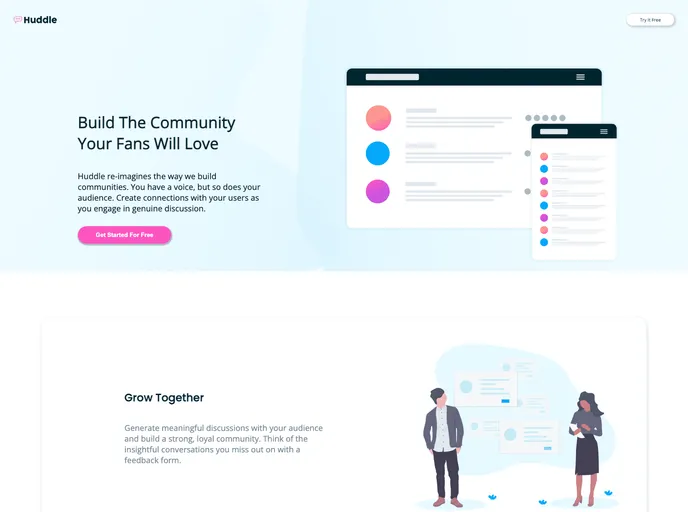
Landing page
Overview
The personal challenge in this project is to create a responsive landing page with a header, body, and footer. The landing page will contain information, images, logo/icons, and links that need to be placed correctly. The goal is to create both a mobile version and a computer version of the landing page.
Features
- Responsive Design: The landing page will be designed to be responsive and adjust its layout based on the device screen size.
- Header: The landing page will have a header section that will contain the logo, navigation menu, and any other relevant information.
- Body: The body section of the landing page will contain the main content, such as text, images, and other visual elements.
- Footer: The landing page will have a footer section that will contain additional information, contact details, and links.
- Information Placement: The information on the landing page will be placed in a visually appealing and intuitive manner for easy readability.
- Image/Logo/Icon Placement: The images, logos, and icons on the landing page will be placed strategically to enhance the overall design and user experience.
- Correct Link Placement: The links on the landing page will be placed correctly to ensure they direct users to the intended pages or sections.
Summary
This personal challenge involves creating a responsive landing page with a well-designed header, body, and footer. The landing page will contain various elements such as information, images, logo/icons, and links that will be strategically placed to ensure a visually appealing and user-friendly experience. The installation guide provides step-by-step instructions for installing and customizing the landing page theme to suit individual needs.