
Mkdocs Open In New Tab
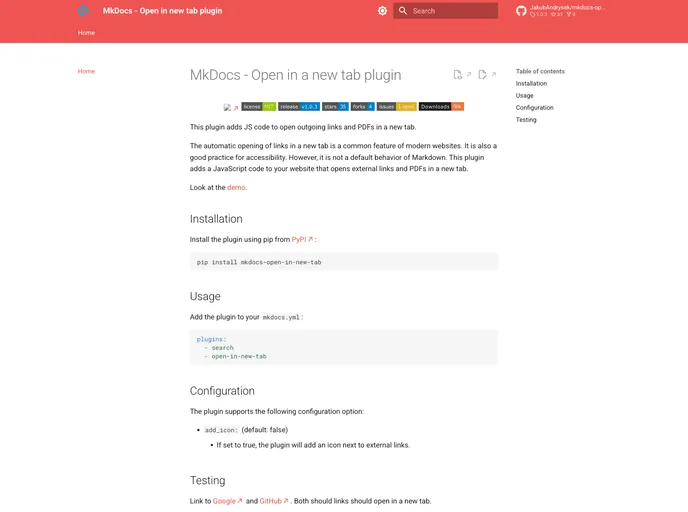

This plugin adds JS to open outgoing links and PDFs in a new tab.
Overview
The MkDocs Open in a New Tab plugin is a handy addition for any MkDocs user looking to enhance user experience and accessibility on their documentation sites. By automatically opening external links and PDFs in a new tab, this plugin adheres to modern web practices—which not only improves navigation but also ensures that users don't lose their place within the documentation.
It offers a simple, effective solution for those who want their documentation to behave like today's online standards, allowing an effortless transition between resources without sacrificing the current viewing experience.
Features
-
Automatic URL Handling: The plugin automatically opens outgoing links and PDF files in a new tab, making for smoother navigation.
-
Accessibility Focused: This feature aligns with modern accessibility practices, supporting users' needs by preventing them from losing their current place on the site.
-
Simple Installation: You can easily install the plugin using pip from PyPI, ensuring that it's straightforward to integrate into your existing projects.
-
Configuration Options: Customize your experience with configuration settings, including an option to add an icon next to external links for better visual cues.
-
JavaScript Integration: The plugin seamlessly injects necessary JavaScript code into the website's head section via the on_page_context hook, ensuring that it functions on all pages effortlessly.
-
Safe Browsing: By utilizing the noopener attribute, the plugin prevents the new tab from accessing the original page, enhancing security during navigation.
-
Open Source License: The project is licensed under the MIT license, encouraging community contributions and modifications.
- MkDocs
MkDocs is a fast, simple and downright gorgeous static site generator that's geared towards building project documentation. Documentation source files are written in Markdown, and configured with a single YAML configuration file.