
Grunt Ssh
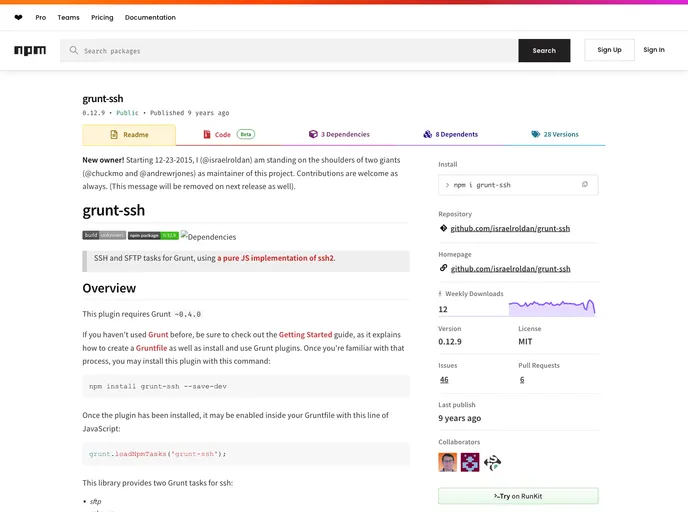
SSH, SFTP tasks for Grunt.
Overview
The grunt-ssh plugin is an efficient tool for those using Grunt to manage their deployment process. With a pure JavaScript implementation of ssh2, it enables seamless SSH and SFTP operations within your project's Gruntfile. Designed for simplicity and ease of integration, this plugin is a game changer for developers looking to automate their deployments without the need for heavy scripting.
This plugin is particularly beneficial for anyone familiar with Grunt, as it requires an understanding of Gruntfile configuration. If you're new to Grunt, the Getting Started guide will help you hit the ground running. Once you've installed the plugin, you can set it up in no time and enjoy effortless file transfers to remote servers.
Features
- SFTP Support: Use the
sftptask to easily copy files to a remote server over SSH, streamlining your deployment process. - SSH Execution: Execute commands on a remote server using the
sshexectask, providing flexibility in managing server operations. - Configuration Options: Set up SSH configurations in your
grunt.jsfile, allowing for versatile reuse and environment-specific settings. - Progress Indicators: Enable a progress bar during file transfers to monitor the status and ensure clarity during long operations.
- Customizable Parameters: Control key parameters such as remote path, username, and port numbers directly within your configuration.
- Directory Management: Optionally check if target directories exist before transfer, with the ability to create them and set specific permissions.
- Chunked Transfers: Adjust the chunk size for file reads to optimize the transfer performance based on your network conditions.
- Connection Flexibility: Choose from multiple connection methods, including private key authentication or password-based logins, to suit your security requirements.
- Grunt

Grunt is a popular JavaScript task runner that automates repetitive tasks like minification, compilation, and testing, allowing developers to focus on writing code.