
Blogger Cli
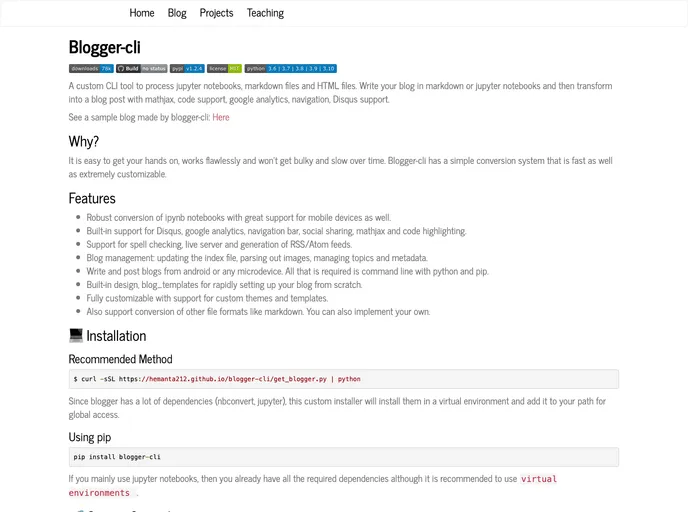
A cli tool to convert and manage jupyter notebook blogs. Proudly host your notebooks even as a static site.
Overview
The Blogger-cli is a powerful and user-friendly command-line interface (CLI) tool designed for creating and managing blogs from Jupyter notebooks, markdown, and HTML files. This tool elevates the blogging experience by allowing users to write content in markdown or Jupyter notebooks and seamlessly transform it into a polished blog post. With robust support for features like MathJax and code highlighting, Blogger-cli not only streamlines the writing process but also ensures that your posts are accessible and visually appealing across various devices.
One of the most compelling aspects of Blogger-cli is its focus on performance and efficiency. Unlike many content management systems that can become slow and cumbersome over time, Blogger-cli remains quick and responsive, making it an ideal choice for those looking to maintain a fast-paced blogging workflow. Additionally, the customization options available allow users to shape their blog to fit their unique style and needs, providing an all-around comprehensive solution for bloggers of all skill levels.
Features
- Robust Conversion: Effortlessly convert Jupyter notebooks (ipynb) into blog posts while ensuring great mobile device support.
- Built-in Support: Includes features for Disqus commenting, Google Analytics, navigation bars, social sharing, MathJax rendering, and code highlighting.
- Spell Checking and Live Server: Offers built-in spell checking, a live server for immediate viewing, and the generation of RSS/Atom feeds.
- Blog Management: Efficiently manage your blog by updating the index file, parsing images, and handling topics and metadata.
- Accessibility from Anywhere: Write and publish blogs from Android devices or any microdevice using just the command line with Python and pip.
- Customizable Templates: Comes with default blog templates for quick setup while allowing extensive customization with support for custom themes.
- Multi-Format Support: Beyond markdown, it supports the conversion of various file formats, allowing you to implement your own if desired.
- User-Friendly Installation: Installation is straightforward with a custom installer that sets up dependencies in a virtual environment for global access.
- Blog

Blog websites feature posts written by one or more authors, organized by categories and tags, with a section for comments and archives sorted by date or topic. Additional features may include search bar, social media sharing, subscription or RSS feed, about and contact pages, and visual content.