Portfolio React App
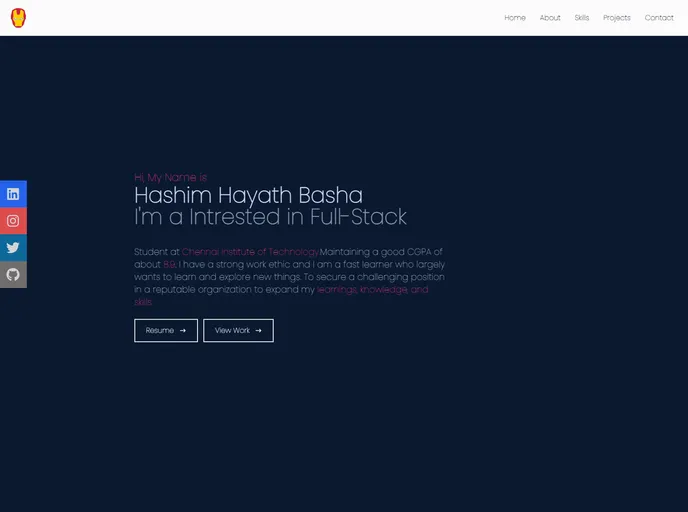
Completely made using React with the help of Package-Manager (YARN)
Overview:
The content provided is a guide on how to get started with Create React App. It explains the different available scripts, such as running the app in development mode, launching the test runner, building the app for production, and ejecting from the build tool and configuration choices. It also mentions the option to customize the tool when needed. The guide provides links to additional documentation for learning more about Create React App, React, and various advanced configurations and deployment options.
Features:
- Easy Setup: Create React App provides a streamlined setup process, allowing developers to quickly start building React applications.
- Development Mode: The app can be run in development mode, where any changes made will cause the page to reload automatically.
- Testing Support: Create React App includes a test runner that allows developers to launch tests in an interactive watch mode.
- Production Build: The app can be built for production, resulting in a optimized and minified bundle of the application.
- Customization: Although the curated feature set is suitable for small to middle deployments, Create React App allows for customization and full control over the configuration files and dependencies.
Summary:
The provided guide offers a comprehensive introduction to Create React App, a popular tool for bootstrapping React applications. It explains the available scripts for running the app in different modes, building for production, and ejecting from the build tool. The guide also emphasizes the flexibility and customization options of Create React App while providing links to additional resources for further learning and troubleshooting. Whether you are new to React or an experienced developer, Create React App simplifies the setup process and provides a solid foundation for building scalable React applications.