
Github Unfollow Checker
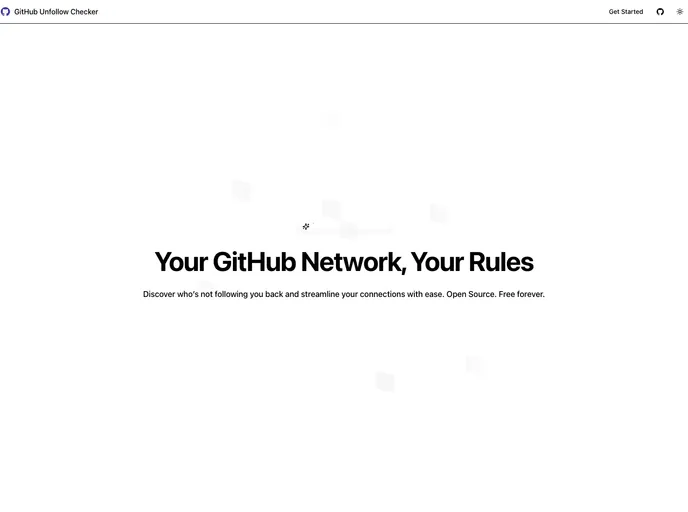
A simple tool to check the users that doesn't follow you back
Overview
If you're an active GitHub user, you may have noticed that not everyone who follows you has a clear intention to engage with your work. This tool addresses that issue by allowing you to identify and unfollow users who don’t follow you back. It’s a practical solution designed for those looking to maintain a curated follower list and avoid the clutter of non-mutual connections.
The convenience and efficiency of this tool make it a must-have for GitHub users who are serious about their presence on the platform. By focusing on meaningful connections, you can enhance your GitHub experience and ensure that your interactions are with genuine followers.
Features
- Authentication: Easily authenticate using your GitHub account for a seamless experience.
- Unfollowers: Quickly identify users who don’t follow you back, allowing for efficient management of your follower list.
- Not Mutuals: Gain insights into users you aren’t following back, helping you decide if it’s time to connect or disconnect.
- Followers: Review the list of users who follow you to keep track of your engagement.
- Following: Check out the users you are currently following to ensure you have a meaningful network.
- Whitelist: Add specific users to a whitelist to prevent accidental unfollowing, ensuring you maintain important connections.
- Manage Users: Effortlessly follow, unfollow, or add users to your whitelist with simple commands.
- Dark Mode: Enjoy a visually comfortable experience with the option to toggle between light and dark mode.
- Responsive Design: Use the tool on any device, ensuring you have access to your follower management on-the-go.