
GemBox.Spreadsheet.Examples
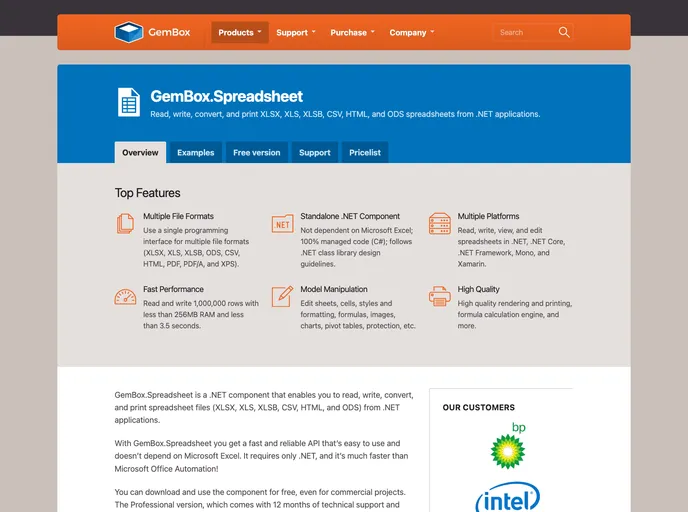
GemBox.Spreadsheet is a .NET component that enables you to read, write, convert, and print spreadsheet files (XLSX, XLS, XLSB, CSV, HTML, and ODS) from .NET applications in a simple and efficient way.
Overview
GemBox.Spreadsheet is an impressive .NET component designed for working with spreadsheet files, offering a comprehensive suite of features to read, write, and manipulate various formats including XLSX, XLS, CSV, and more. What sets it apart is its independence from Microsoft Excel, providing a faster and more reliable alternative for developers. Whether you’re building Azure Functions, ASP.NET applications, or WPF projects, GemBox.Spreadsheet simplifies your workflow and enhances performance.
This tool is perfect for developers who need a powerful solution for spreadsheet management without the overhead of Office Automation. With a user-friendly interface, you'll find it easy to integrate into your applications, allowing you to focus on creating great functionality instead of wrestling with complex file handling.
Features
- Wide Format Support: Read and create files in XLS, XLSX, XLSB, ODS, CSV, HTML, and more, catering to all your spreadsheet needs.
- Flexible File Creation: Effortlessly convert spreadsheets to various formats including PDF, XPS, and popular image types like PNG and JPEG.
- Comprehensive Editing Capabilities: Modify sheets, rows, cells, and formulas, making it simple to manage spreadsheet content and functionality.
- Data Management: Support for filtering, sorting, and finding data, allows users to easily manipulate large datasets.
- Print Functionality: Directly print spreadsheets from your application, ensuring that data can be accessed and reviewed in physical form.
- Security Features: Protect and encrypt your spreadsheets, alongside the ability to digitally sign files, enhancing data security.
- Advanced Formatting Options: Customize cell styles, in-line text formatting, and conditional formatting for a professional appearance.
- Progress Tracking: Monitor long-running operations and cancel them as needed, improving user experience during extensive processing tasks.