
GemBox.Document.Examples
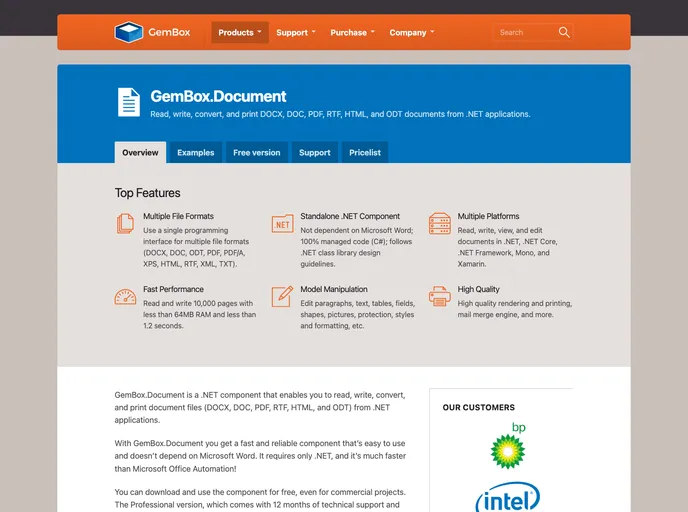
GemBox.Document is a .NET component that enables you to read, write, convert, and print document files (DOCX, DOC, PDF, RTF, HTML, and ODT) from .NET applications in a simple and efficient way.
Overview
GemBox.Document is a powerful .NET component designed to facilitate the reading, writing, conversion, and printing of various document file formats, such as DOCX, PDF, RTF, and HTML. What sets this component apart is its speed and reliability, allowing developers to work with document files without the need for Microsoft Word, streamlining processes and adding efficiency to .NET applications. Whether you're developing for Windows, Linux, or mobile devices, GemBox.Document promises to deliver a consistent and fast performance, making it an essential tool for developers looking to enhance their document handling capabilities.
With GemBox.Document, you can easily create, edit, and manipulate documents, contributing to a smoother workflow in any project. Its extensive feature set caters to various needs, from simple document creation to complex formatting and data import operations, making it a versatile choice for developers aiming to build robust document management solutions.
Features
- Comprehensive Format Support: Read and write a wide array of document formats including DOC, DOCX, ODT, PDF, HTML, and more.
- Cross-Platform Compatibility: Works seamlessly across various operating systems, including Windows, Linux, macOS, Android, and iOS.
- User-Friendly Editing: Easily view and edit documents in environments like Azure Functions, ASP.NET Core, Blazor, and WPF.
- Advanced Document Processing: Supports features like cloning elements, mail merge functionality, and content modification, enhancing document management.
- Document Protection: Allows users to encrypt, restrict, and digitally sign documents for improved security.
- Rich Formatting Options: Get full control over text styles, table formatting, and document properties for a polished final product.
- Efficient Printing Capabilities: Print documents directly, ensuring quick and easy hard copies of your digital files.
- Performance Optimization: Designed for speed, significantly faster than traditional Microsoft Office Automation methods, even in handling large documents.