
Bootstrap Progressbar
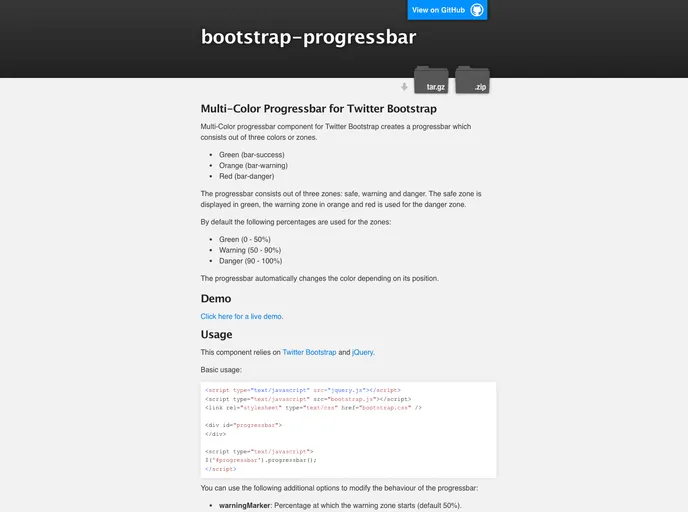
Multi-Color progressbar component for Twitter Bootstrap
Overview
The Multi-Color Progressbar for Twitter Bootstrap is an innovative component that enhances the user interface by visually representing task completion through a color-coded system. This progressbar incorporates three distinct zones — safe, warning, and danger — distinguished by green, orange, and red colors respectively. Not only does this feature improve user experience by providing clarity on progress, but it also integrates seamlessly with Bootstrap and jQuery, making it a flexible choice for developers looking to enhance their web applications.
With its intuitive color changes based on progress, users can quickly assess the status of ongoing tasks. This component is particularly useful in settings where clear visual indicators of task completion are crucial, such as project management dashboards and loading indicators.
Features
- Multi-Color Zones: The progressbar features three color zones: green for safe (0-50%), orange for warning (50-90%), and red for danger (90-100%), allowing for quick visual assessments of progress.
- Dynamic Color Change: The progressbar automatically updates its color based on the current progress, ensuring that users are always aware of the status.
- Customizable Markers: The warning and danger zones can be easily adjusted with customizable markers, allowing developers to set their own thresholds for transitions.
- Step Functionality: Adjust the progress incrementally using a customizable step value, making it easy to reflect gradual progress updates.
- Maximum Value Setting: Control the maximum limit of the progressbar (default 100%), ensuring that it fits various application needs.
- Event Support: The progressbar includes an event listener for position changes, providing real-time feedback on progress updates.
- Reset Functionality: Easily reset the progressbar back to zero, providing a clean slate for new tasks or operations.
- Licensing: Built under the Apache License v2.0, maintaining compatibility with the Twitter Bootstrap framework.