
AppCUI Rs
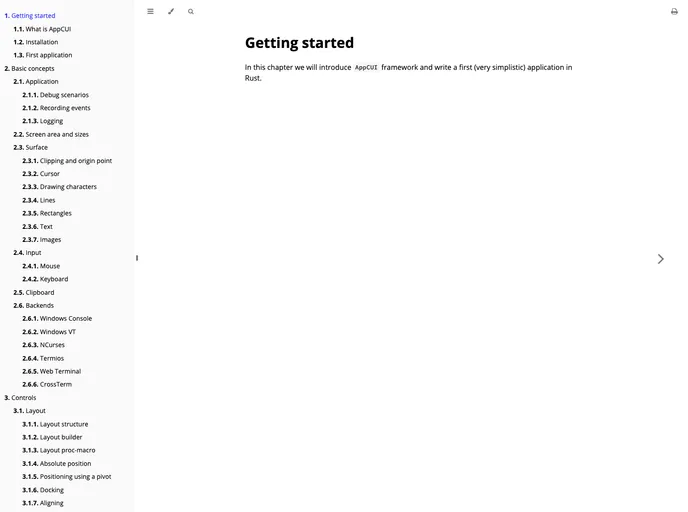
AppCUI is a fast, cross-platform console and text-based user interface (CUI/TUI) framework for Rust. It combines a low-level console engine for input (mouse, keyboard, clipboard, etc.), colors, and rendering with a high-level, rich toolkit of widgets such as windows, menus, buttons, checkboxes, a...
Overview
AppCUI-rs is an innovative Rust library that allows developers to create modern text-based user interfaces (TUIs) across multiple platforms. This library stands out for its rich widget collection and robust Unicode support, making it a viable alternative to traditional terminal UI frameworks like ncurses. With its focus on speed and versatility, AppCUI-rs is designed to cater to developers looking to build engaging and functional applications in a terminal environment.
The library's capabilities not only include an extensive range of controls and themes, but it also supports multi-threading and various backends across different operating systems including Windows, Linux, and MacOS. This ensures that applications built with AppCUI-rs are not just visually appealing but also highly functional and efficient.
Features
- Rich Widget Collection: Offers numerous out-of-the-box controls such as buttons, labels, text boxes, and more, facilitating quick UI development.
- Powerful Layout System: Allows for flexible positioning of controls through absolute or relative coordinates, making it easier to achieve desired layouts.
- Multi-Platform Support: Compatible with Windows, Linux, and MacOS, adapting to the specific needs of each operating system.
- Multi-Threading: Supports background tasks, enhancing the performance of applications by freeing up the main thread.
- True Color Support: Enables the use of 24-bit colors for terminals that support it, allowing for vibrant and dynamic color themes.
- Predefined Dialogs: Includes useful UI dialogs like message boxes, color pickers, and folder navigators, simplifying common tasks.
- Clipboard and Mouse Support: Offers enhanced user interaction capabilities by integrating clipboard access and mouse input.
- Array of Examples: Comes with a variety of examples, from games to utilities, providing a practical foundation for new projects.