Solid Transition Group First Example
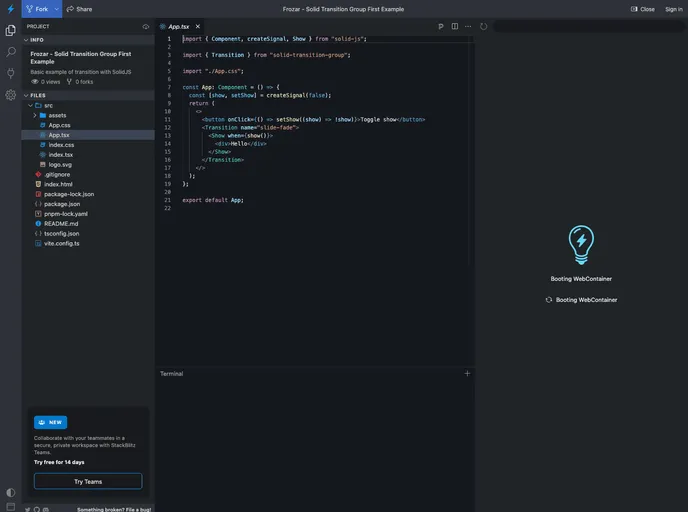
Basic example of transition with SolidJS
Overview
The content provides information on how to use and deploy Solid templates. It mentions that the templates use pnpm as the package manager and provides instructions on running the app in development mode, building it for production, and deploying it to a static host provider.
Features
- Template Dependencies: Templates use pnpm as the package manager and have a pnpm-lock.yaml file.
- Multiple Package Managers: Although pnpm is recommended, any package manager can be used.
- Development Mode: The app can be run in development mode using the command
npm devornpm start. - Production Build: The app can be built for production using the command
npm run build. - Optimized Build: The production build optimizes the build for the best performance.
- Minification: The build is minified, and the filenames include hashes to ensure uniqueness.
- Deployment: The built app can be deployed to any static host provider (e.g., netlify, surge, now, etc.) by deploying the
distfolder.
Summary
The content provides instructions on using and deploying Solid templates. It highlights the use of pnpm as the package manager and provides commands to run the app in development mode, build it for production, and deploy it to a static host provider. The content also mentions that any package manager can be used and provides instructions on installing the template dependencies.