
Vue Starter
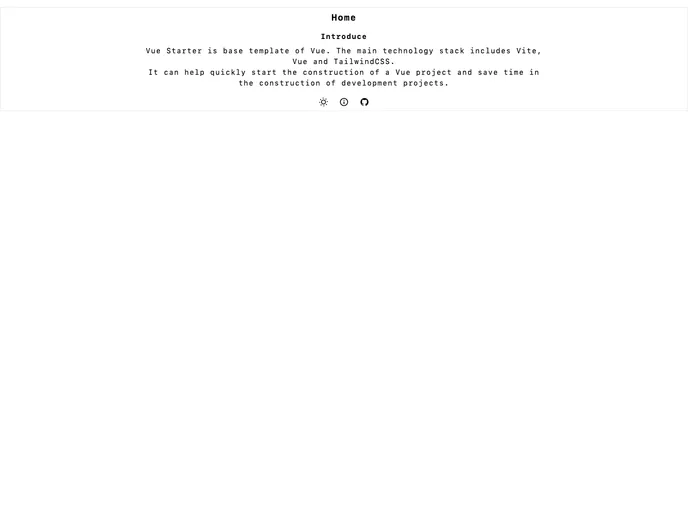
Starter template of Vue Application
Overview
The product being analyzed is a theme known as "Vitesse Theme." This theme incorporates various technologies and tools such as Vite, Vue 3, TailWindCSS, TypeScript, vue-router, pinia, unplugin-auto-import, unplugin-vue-components, and unplugin-icons. The theme aims to provide a strong and standardized base for developing Vue.js applications with efficient code organization and development workflows. This analysis will further explore the key features, installation process, and provide a summary of the article.
Features
- Vite: A fast build tool for modern web applications.
- Vue 3: The latest version of the popular JavaScript framework for building user interfaces.
- TailWindCSS: A utility-first CSS framework that allows for rapid UI development.
- TypeScript: A statically typed superset of JavaScript that enhances code reliability and maintainability.
- vue-router: The official routing library for Vue.js applications.
- pinia: The official state management solution for Vue.js applications.
- unplugin-auto-import: A tool that automatically imports APIs.
- unplugin-vue-components: A tool that automatically imports Vue components.
- unplugin-icons: A tool that simplifies the usage of icons in Vue.js applications.
Summary
The Vitesse Theme is a powerful and feature-rich theme for developing Vue.js applications. It incorporates technologies like Vite, Vue 3, TailWindCSS, and TypeScript to provide a strong and standardized base for development. It also includes various tools like vue-router, pinia, unplugin-auto-import, unplugin-vue-components, and unplugin-icons to enhance development workflows and code organization. The installation process is straightforward, and developers can quickly get started with the Vitesse Theme by following a few simple steps.