
Flexlib
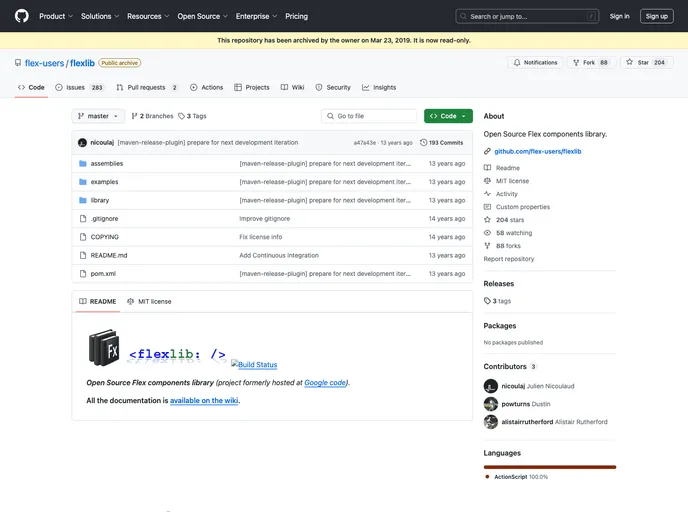
Open Source Flex components library.
Overview:
Flexlib is an open source library of Flex components that was previously hosted at Google code. It provides a collection of reusable UI components for building Flex applications. The library is well-documented, with all the necessary information available on the wiki.
Features:
- Open Source: Flexlib is an open source library, allowing developers to modify and contribute to the codebase.
- Reusable Components: The library offers a variety of reusable UI components, saving development time and effort.
- Well-Documented: All the documentation for Flexlib is available on the wiki, making it easy for developers to understand and utilize the library.
Installation:
To install Flexlib, follow the steps below:
- Download the Flexlib library files.
- Extract the downloaded files to your project directory.
- Add the Flexlib library to your Flex project by following the instructions specific to your IDE or build system.
Example for adding Flexlib to a Flex project using Adobe Flash Builder:
- Right-click on your project in the Package Explorer and select "Properties."
- In the Properties dialog, navigate to "Flex Build Path" and click on the "Library Path" tab.
- Click on the "Add SWC" button and navigate to the location where you extracted the Flexlib library files.
- Select the Flexlib SWC file and click "OK" to add it to your project.
- Click "Apply" and then "OK" to save the changes.
After completing these steps, you will have successfully installed Flexlib in your Flex project.
Summary:
Flexlib is an open source library of Flex components that provides a collection of reusable UI components for building Flex applications. It is well-documented, with all the necessary information available on the wiki. With features such as open source code and a variety of reusable components, Flexlib is a valuable resource for Flex developers looking to enhance their application development process.