
Crm_override
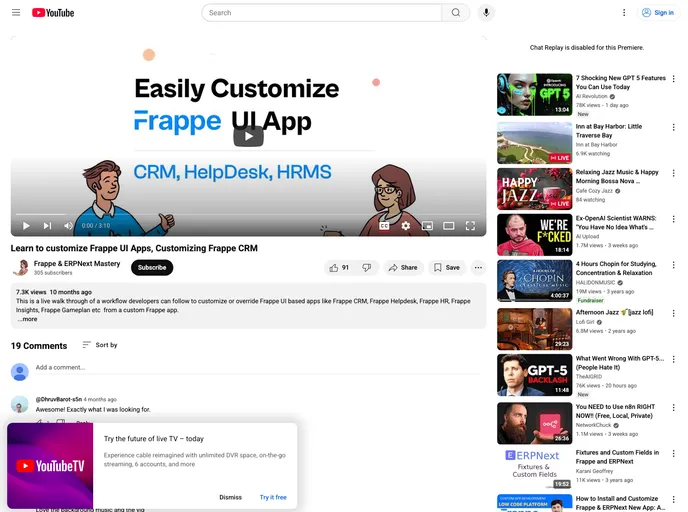
An example Frappe app that demonstrates how to override Frappe UI based apps.
Overview
Frappe CRM Override Example is an innovative tool designed for developers looking to enhance the user interface of Frappe-based applications. This repository showcases a practical example of how to seamlessly override existing components and introduce new functionalities, such as adding a custom page featuring a YouTube video. By integrating this example into your existing Frappe CRM setup, you can create a more dynamic and engaging user experience.
Whether you're a developer looking to customize your Frappe CRM interface or simply curious about the potential of overriding components, this example serves as an excellent starting point. The ease of integration into the sidebar of Frappe CRM demonstrates the flexibility of the framework, making it a valuable resource for anyone working with Frappe.
Features
-
Simple Component Override: Demonstrates how to effectively override Frappe UI components from a custom app, allowing for tailored user experiences.
-
Sidebar Customization: Modifies the Frappe CRM sidebar to include direct links to new custom pages, enhancing navigation and accessibility.
-
Structured Code Organization: Includes a well-defined file structure, with source overrides kept in a dedicated folder for clarity and ease of access.
-
Vite Integration: Utilizes Vite configuration for efficient building of frontend assets, ensuring a smooth development workflow.
-
Developer-Friendly Installation: Provides straightforward setup instructions including cloning the repository and installing necessary dependencies, making it easy for developers to get started.
-
Build Automation: Features a custom-build script that manages overrides at build time, streamlining the deployment process.