
Git Wiki Skeleton
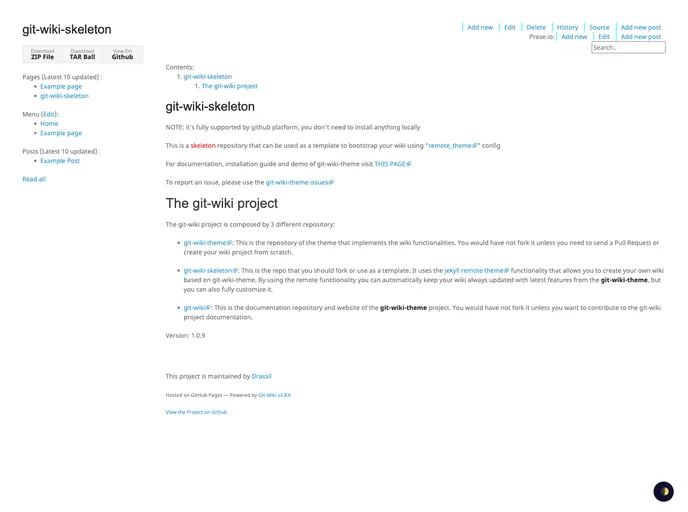
This is a skeleton repository that can be used as a template to bootstrap your wiki using "remote_theme" config
Overview
If you're looking to create a wiki quickly and efficiently, the git-wiki-skeleton is an impressive starting point that offers a seamless integration with GitHub. This template not only takes advantage of the remote_theme configuration but also ensures that you won't need to install any additional software locally. Whether you want a simple wiki for documentation or a more complex project, this skeleton provides a solid foundation to build on.
The git-wiki project consists of three repositories that work together to deliver functionalities for your wiki. By using the git-wiki-skeleton, users can fork the repository and easily set up their custom wiki with the latest features available in the git-wiki-theme. This setup is not only user-friendly but also allows for ongoing updates and personalization.
Features
-
GitHub Integration: Fully supported by GitHub, eliminating the need for local installations, which simplifies the setup process.
-
Remote Theme Functionality: Utilizes Jekyll's remote theme capability, allowing your wiki to stay updated with the latest features from git-wiki-theme effortlessly.
-
Customization Options: While it provides essential features out of the box, the template allows for full customization to suit your project's needs.
-
Repository Structure: Consists of three dedicated repositories: a theme repository, a skeleton repository for forking, and a documentation repository for guidance and contribution.
-
Ease of Use: Designed to be user-friendly, making it easy for anyone, regardless of technical expertise, to create their own wiki with minimal setup.
-
Up-to-Date Documentation: Access to comprehensive documentation that assists users in navigating the setup and usage of their wiki project efficiently.
-
Version Control: Keeps your wiki aligned with the latest changes and enhancements in the git-wiki-theme, providing a reliable and modern approach to wiki management.