
UIKit VSCode
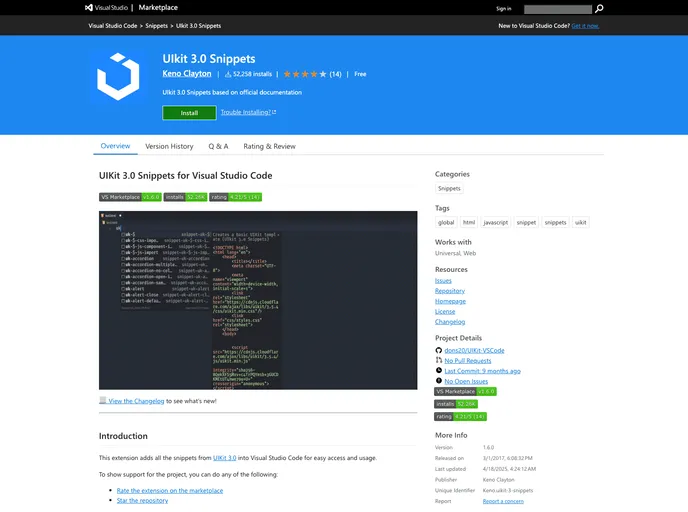
Snippets for UIkit 3.0 in Visual Studio Code
Overview
UIKit VSCode is a fantastic tool designed to enhance the user experience for developers working with UIkit 3.0 in Visual Studio Code. This snippets package streamlines the coding process by providing easy access to predefined code templates and components, making it an excellent addition for both beginners and seasoned programmers looking to speed up their workflow.
With UIkit gaining popularity for its lightweight and modular approach to front-end development, UIKit VSCode serves as a valuable asset, allowing developers to focus on building stunning interfaces without getting bogged down by repetitive coding tasks.
Features
- Easy Installation: Instantly adds a collection of UIkit snippets to your Visual Studio Code environment, enabling a hassle-free setup.
- Comprehensive Snippet Library: Includes a wide array of snippets covering all components of UIkit 3.0, ensuring you have all the necessary building blocks at your fingertips.
- Quick Autocomplete: Effortlessly autocomplete commonly used UIkit components, reducing coding time and minimizing errors.
- Customizable Shortcuts: Allows developers to tailor code snippets to their preferences, enhancing productivity and workflow efficiency.
- Consistent Code Style: Promotes best practices in coding by encouraging a uniform approach to using UIkit components.
- Regular Updates: Benefits from ongoing updates to keep pace with UIkit enhancements, ensuring you always have the latest features available.
- Extensive Documentation: Comes with clear documentation and usage examples, making it approachable for developers of all skill levels.