
Webpack Three Js
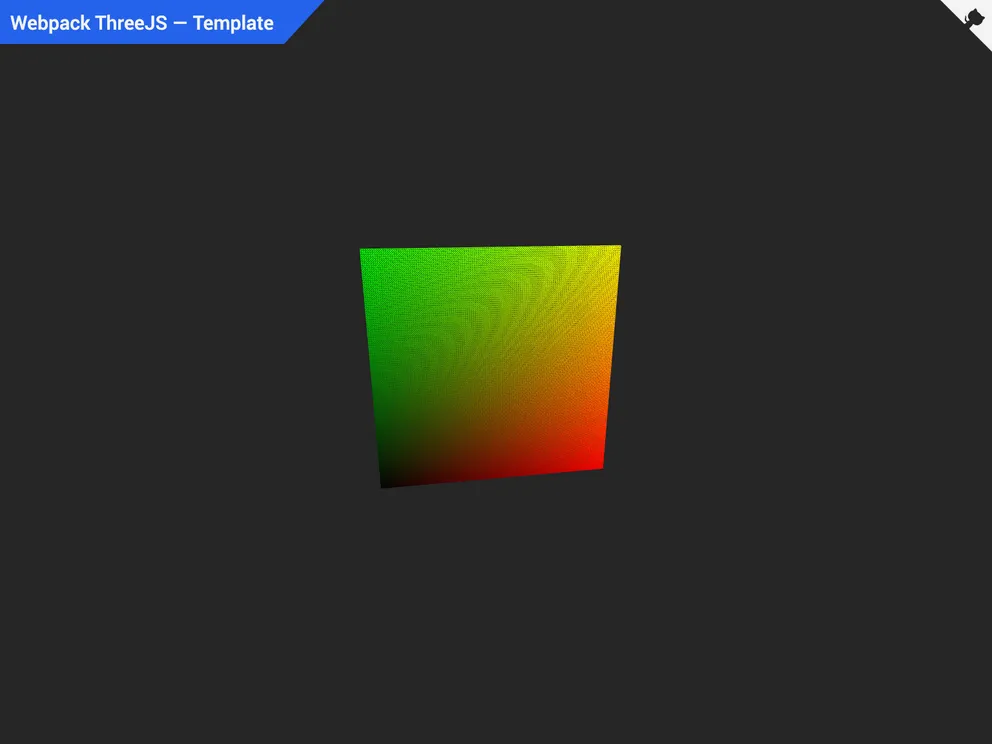



Boilerplate template designed to quickly bootstrap a 3D Web App, SPA, website or landing page with Three.JS, GLSL, Webpack, TailwindCSS, ESLint, Husky and much more in just 30 seconds.
Overview:
The Webpack Three JS Template is a boilerplate starter template designed to simplify the process of setting up and configuring a development environment for web projects. It specifically caters to front-end engineers who want to build modern, fast, and reliable web applications using technologies such as Three.JS, GLSL, JavaScript, TailwindCSS, Webpack, ESLint, Prettier, Husky, and more.
Features:
- Three.JS: A JavaScript library for rendering interactive 3D and 2D scenes in the web browser, built on top of WebGL.
- TailwindCSS: A utility-first CSS framework with predefined classes for common styles and layout patterns.
- SASS: A CSS preprocessor that adds features like variables, nesting, and mixins, making it easier to write and maintain large CSS codebases.
- PostCSS: A tool for transforming CSS with JavaScript plugins, enabling the addition of new features and improving the development process.
- Fontawesome: A library of over 5000 customizable, free icons for use in web applications.
- Playwright: A library for automating web browser interactions, facilitating end-to-end testing and browser automation tasks.
- Webpack: A build tool and development server for fast and efficient development and production builds of modern web applications.
- ESLint: A tool for enforcing coding standards and identifying potential errors in the code.
- Prettier: A code formatter that automatically formats code to conform to a consistent style, enhancing readability and maintainability.
- Husky: A tool that enables running scripts, such as linting and formatting, before committing code changes.
Prerequisites:
- Node.js: Ensure you have a JavaScript runtime environment installed, such as Node.js.
(Optional) Alternative package manager:
- PNPM: Install PNPM globally by running
npm install --global pnpm. - Yarn: Install Yarn globally by running
npm install --global yarn.
Start developing:
- Get the repository:
- Click on "Use this template" or "Fork" button, or
- Clone the repository through your terminal using the command:
git clone https://github.com/doinel1a/webpack-three-js YOUR-PROJECT-NAME.
- Open your terminal or code editor to the path where your project is located.
- Run the following commands based on your preferred package manager:
- NPM:
- To install the dependencies:
npm install. - To run the development server:
npm run dev. - To build your app for production:
npm run build. - To preview your production optimized app:
npm run preview.
- To install the dependencies:
- PNPM:
- To install the dependencies:
pnpm install. - To run the development server:
pnpm dev. - To build your app for production:
pnpm build. - To preview your production optimized app:
pnpm preview.
- To install the dependencies:
- Yarn:
- To install the dependencies:
yarn install. - To run the development server:
yarn dev. - To build your app for production:
yarn build. - To preview your production optimized app:
yarn preview.
- To install the dependencies:
- NPM:
Summary:
The Webpack Three JS Template is a convenient solution for front-end engineers looking to quickly set up a development environment for building web applications with modern technologies. It combines the power of Three.JS, TailwindCSS, SASS, PostCSS, and other tools to streamline the development process. With features like ESLint, Prettier, and Husky, it ensures code quality and maintainability.
- Express
Express.js is a simple Node.js framework for single, multi-page, and hybrid web applications.
- SCSS
SCSS is a preprocessor scripting language that extends the capabilities of CSS by adding features such as variables, nesting, and mixins. It allows developers to write more efficient and maintainable CSS code, and helps to streamline the development process by reducing repetition and increasing reusability.
- Tailwind
Tailwind CSS is a utility-first CSS framework that provides pre-defined classes for building responsive and customizable user interfaces.
- Templates & Themes

A template or theme refers to a pre-designed layout or structure that provides a basic framework for building a specific type of application or website. It typically includes good design, placeholder content and functional features, allowing developers to customize and fill in the details according to their specific needs.
- Eslint

ESLint is a linter for JavaScript that analyzes code to detect and report on potential problems and errors, as well as enforce consistent code style and best practices, helping developers to write cleaner, more maintainable code.
- Postcss

PostCSS is a popular open-source tool that enables web developers to transform CSS styles with JavaScript plugins. It allows for efficient processing of CSS styles, from applying vendor prefixes to improving browser compatibility, ultimately resulting in cleaner, faster, and more maintainable code.
- Webpack

Webpack is a popular open-source module bundler for JavaScript applications that bundles and optimizes the code and its dependencies for production-ready deployment. It can also be used to transform other types of assets such as CSS, images, and fonts.