
Mgp
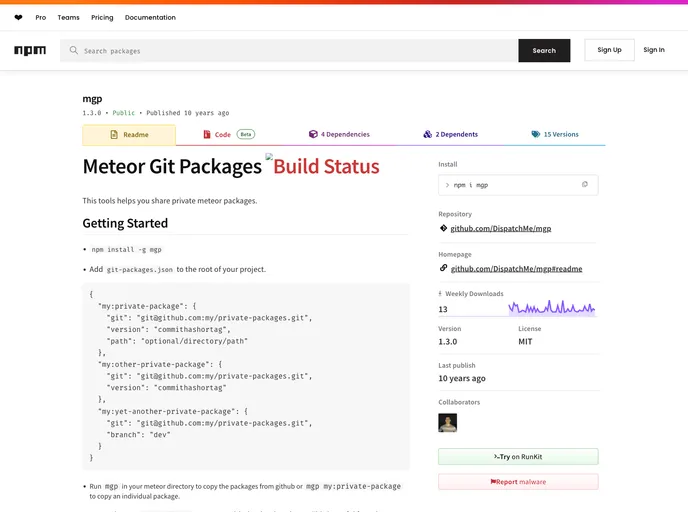

Install private meteor packages
Overview
Meteor Git Packages is a powerful tool designed for developers who work with Meteor frameworks and need a streamlined way to manage private packages. By simplifying the process of sharing and linking packages from GitHub, it enhances workflow efficiency, making it easier to collaborate on projects without the hassle of manual package management.
This tool is particularly valuable for teams that utilize private repositories, allowing them to effortlessly integrate and manage dependencies. With a straightforward installation process and a variety of commands, developers can quickly set up their projects and ensure that their package management is both effective and secure.
Features
-
Easy Installation: Install the tool globally with a simple npm command (
npm install -g mgp), enabling quick setup for any Meteor project. -
Automatic Package Copying: Use
mgpin your Meteor directory to copy all packages from GitHub, or specify individual packages withmgp my:private-packagefor customized management. -
HTTPS Conversion: The
mgp --httpscommand helps convert GitHub SSH URLs to HTTPS, making it easier to use credentials securely with build machines. -
Local Package Symlinking: By adding a
local-packages.jsonfile, developers can runmgp linkto create symlinks for local packages, ensuring seamless integration of local development changes. -
Individual Package Linking: The
mgp link my:private-packagecommand allows for selective linking of individual local packages, providing greater control over your project's structure. -
Support for JSON Configurations: The tool uses JSON files (
git-packages.jsonandlocal-packages.json) to manage package configurations, making it easy to maintain and modify import settings. -
Improved Collaboration: By using Meteor Git Packages, teams can work more effectively on shared codebases, reducing the friction that often comes with managing dependencies in a collaborative environment.
- Meteor
Meteor.js is a full-stack JavaScript platform that simplifies web application development by allowing developers to use a single codebase for both the client and server sides. It provides an integrated set of technologies, including real-time data updates, a reactive templating engine, and a built-in package management system, streamlining the process of building modern and scalable web applications.