Perfect Petals
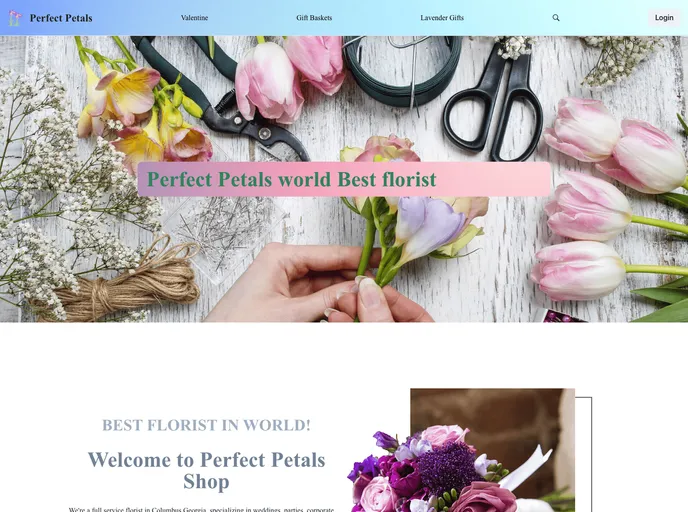
The Perfect Petals website makes it easy to shop various type of flower, you can by flowers by website and mobile
Overview
This project is an online flower buying platform that allows users to browse and purchase various types of flowers, bouquets, and gifts. It is built using React, Redux, and Chakra UI, and deployed on Vercel. On the admin side, users can access a dashboard to track orders, edit products, and manage admin accounts and tasks. The server is developed using Express and the database is managed with MongoDB Atlas. The project folder structure includes separate directories for the frontend and backend components.
Features
-
User Side
- Signup, login, and forgot password functionality
- Wishlist for saving favorite products
- Add to cart feature for selected items
- Ability to add comments and ratings for products
- Product filtering options
- Product details page with dynamic content
-
Admin Side
- Order dashboard to view and manage orders
- User details management
- Product editing and adding functionality
- Admin account management
- Admin task management
FrontEnd
- Open the project directory and navigate to the FrontEnd folder.
- Install the required dependencies by running the following command:
npm install - Start the development server by running the command:
This will launch the application in development mode and open it in your browser at http://localhost:3000.npm start
BackEnd
- Open the project directory and navigate to the BackEnd folder.
- Install the required dependencies by running the following command:
npm install - Start the server by running the command:
This will run the server on your local machine.npm start
Summary
This project is an online flower buying platform developed using React, Redux, and Chakra UI for the front-end, and Express and MongoDB for the backend. It offers various features for both users and admins, such as signup, login, wishlist, cart, comments, ratings, and order management. The project can be installed locally by following the provided installation guide.