
Devtools
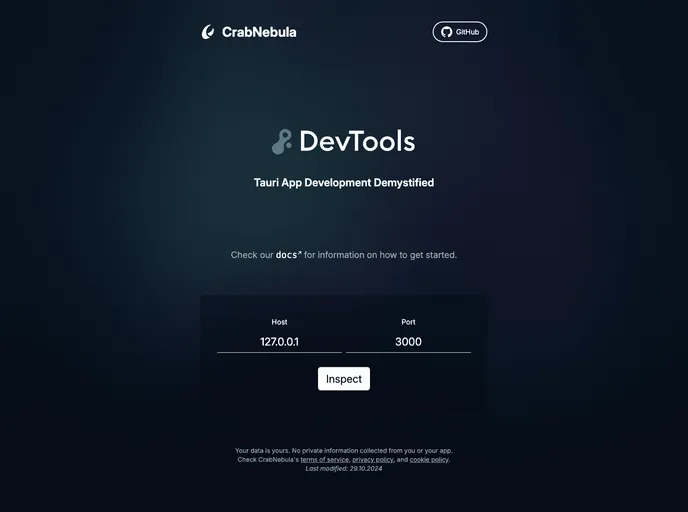

Inspect and Debug your Tauri applications in style
Overview:
The Devtools banner for Tauri provides a way to inspect, monitor, and understand Tauri applications with ease. It offers easy integration, rich insights, and ongoing project development to enhance debugging and monitoring capabilities for developers.
Features:
- Easy Integration: Enable detailed event logging and metadata extraction with just a few lines of code.
- Rich Insights: Gain insight into app performance, errors, warnings, and more at a glance.
- Active Development: Continuously worked on with upcoming features to enhance functionality.
Tauri v1:
- Ensure Tauri is set up correctly.
- Install the Rust instrumentation from crates.io.
- Use Tauri version 1.5.4 or later in your Cargo.toml file.
- Initialize and register the Devtools plugin with Tauri by editing your main.rs file.
- Remember to disable Devtools in production builds for efficiency and security.
- Run your app using
cargo tauri dev.
Tauri v2:
- Ensure Tauri is set up correctly.
- Install the Rust instrumentation from crates.io.
- Use Tauri version 2.0.0-rc.0 or later in your Cargo.toml file.
- Add the provided snippet to your Tauri initialization code.
- Run your app, and Devtools will provide a message indicating successful setup.
Usage with other logging systems:
- Use DevTools in debug builds and a separate logging system in production.
- Pipe other logging systems through DevTools using the attach_logger function for compatibility.
Android:
- Set up network redirection via adb or the emulator console to access the WebSocket server for Devtools on your machine.
Summary:
The Devtools banner for Tauri offers easy integration, rich insights, and ongoing development to enhance the debugging and monitoring capabilities of Tauri applications. By following the installation guide provided, developers can leverage Devtools to gain valuable insights into their app's performance and troubleshoot issues efficiently.
- Solid
SolidJS is a declarative JavaScript library for building user interfaces, offering a reactive programming model for efficient updates. It stands out for its reactivity system that minimizes unnecessary re-renders and its small bundle size, making it a performant choice for developing lightweight and reactive web applications.